
The app
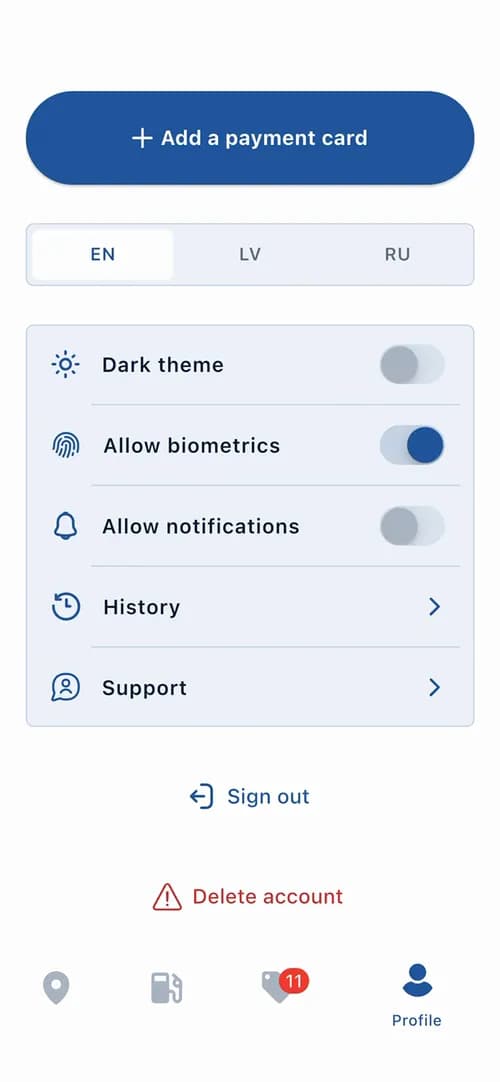
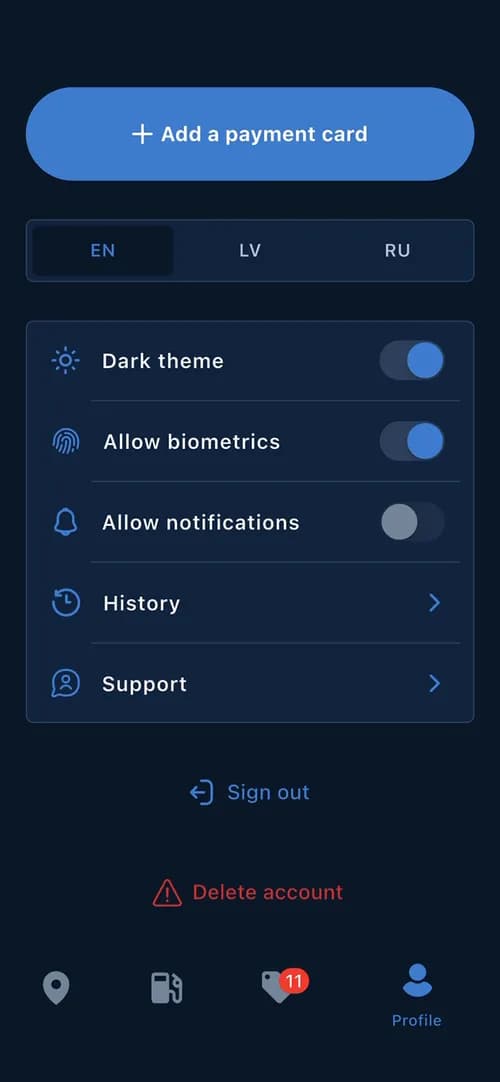
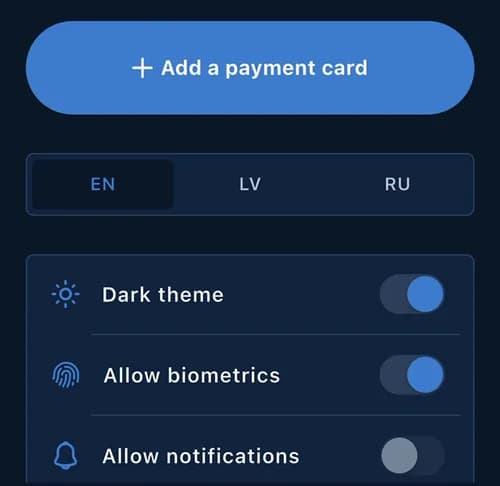
One Flutter codebase for iOS and Android: map and station list, QR scanner, litres or euros, saved card, history, offers, three languages, two themes, biometric sign-in.
CrossChem makes AdBlue in Latvia and runs its own self-service stations. We built the app drivers use to pay at the dispenser: no cashier, no queue, no terminal.
 iOS and AndroidSelf-service AdBlue, Latvia
The app puts the nearest station on top. Already at the dispenser? Scan its QR code and you are on the right pump.
Full tank, or type litres or euros. The other number works itself out as you type.
One tap with the card you saved once. Start filling within two minutes, hang the nozzle back when you are done.
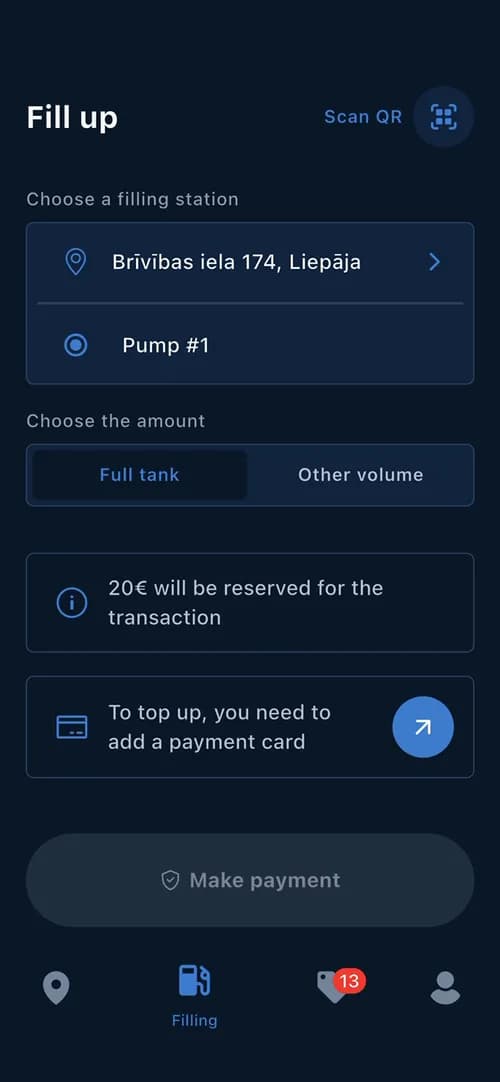
For a full tank the app holds €20 on the card. You pay only for what goes into the tank. The rest goes back to the card by itself.
Your profile is a loyalty card with a customer number, a QR code and a barcode. Show it at the till: at KOOL stations it takes 10 cents off every litre of fuel.
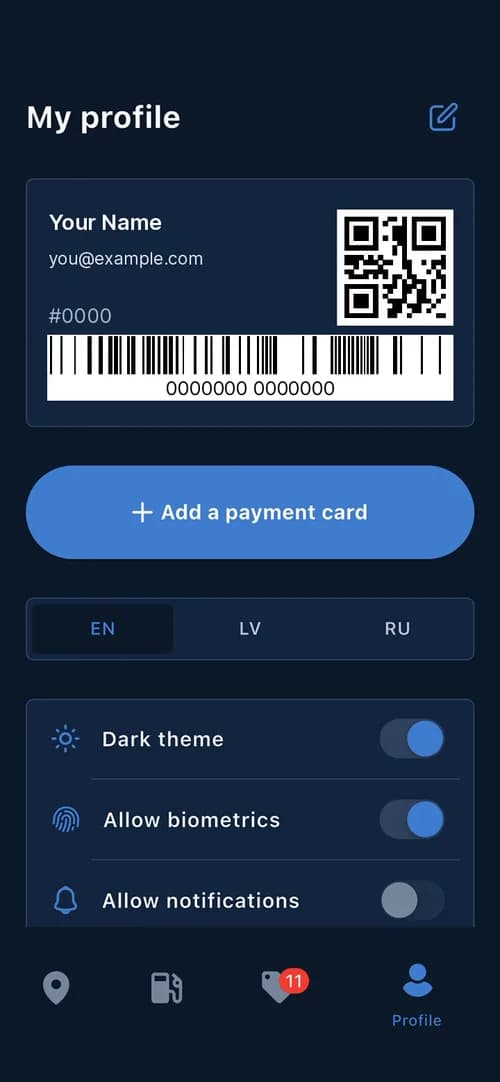
Sign in once, pay with a tap. A short tutorial walks you through the first fill-up.
 EN
EN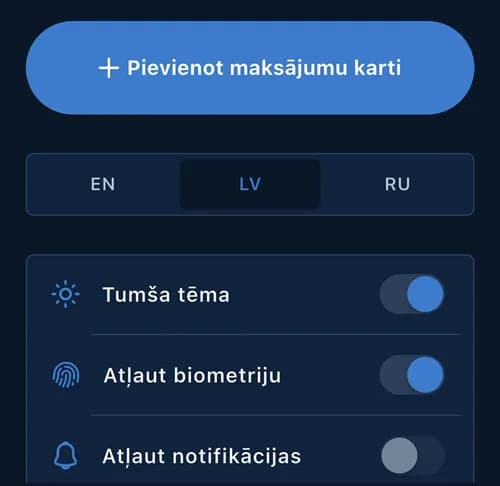 LV
LV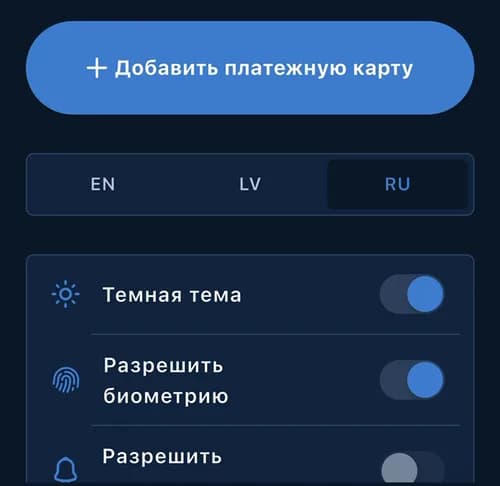 RU
RUThe hard part is everything behind one tap: a card, a pump and a price that all have to agree. Here is how it works, in plain words. Two developers built all of it.
One Flutter codebase for iOS and Android: map and station list, QR scanner, litres or euros, saved card, history, offers, three languages, two themes, biometric sign-in.
Card details stay with a certified payment operator; the app never stores them. The API holds the amount, then captures only what was pumped and releases the rest.
The API reads stations, pumps and prices from CrossChem's station system, opens the order on the right pump once the payment is held, and the app follows it live until the nozzle goes back.
A web admin panel from the same Flutter code for offers, partners and push. It lives in one repository with the app and calls the same API. Then two years of releases, including a move from Pusher to Firebase push when Pusher's limits got in the way.
Put the till in their pocket. Payments, hardware and loyalty in one app that just works at the pump. We do what it takes to make it.
Tell us about your productNo overengineering. No wasted time. Just straight-up execution.
 Or book a call with Eryk (opens the booking calendar)[email protected]