I built my app with AI. What stops it from reaching the App Store?
Your app works in the browser and friends have clicked through it. Then the stores say no, or you are not sure what they will say. Here is what usually stands between an AI-built prototype and a live app, and how to close the gap.
 By Eryk Kruk, CEO
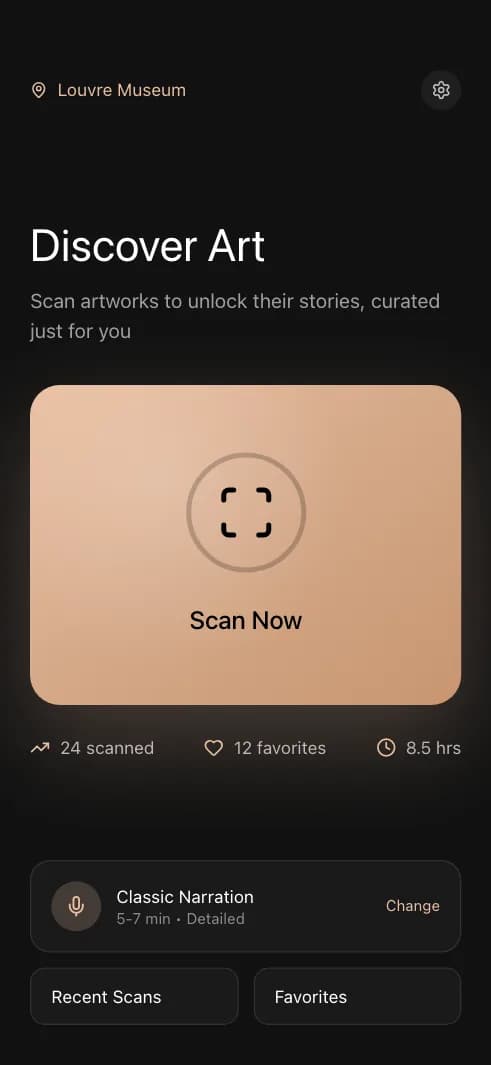
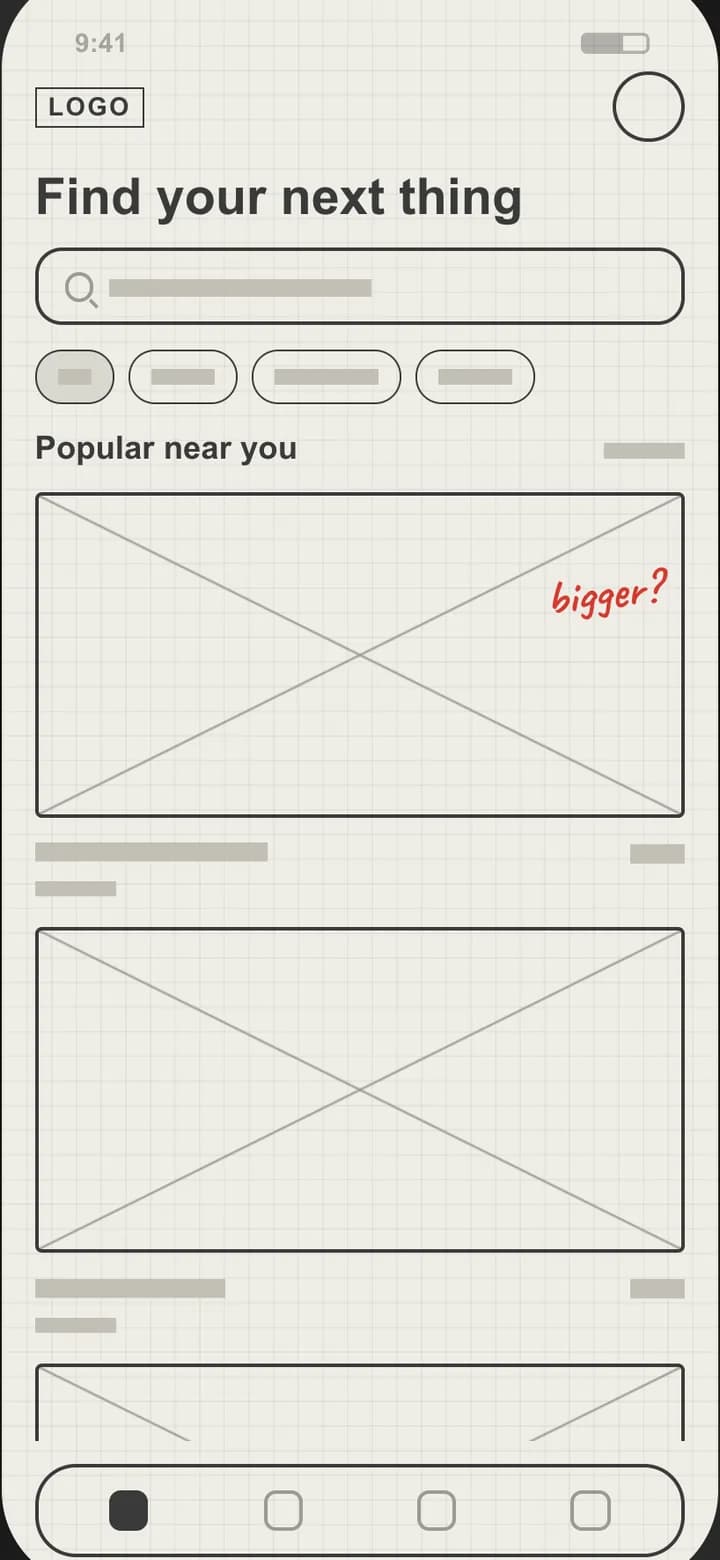 Early screen
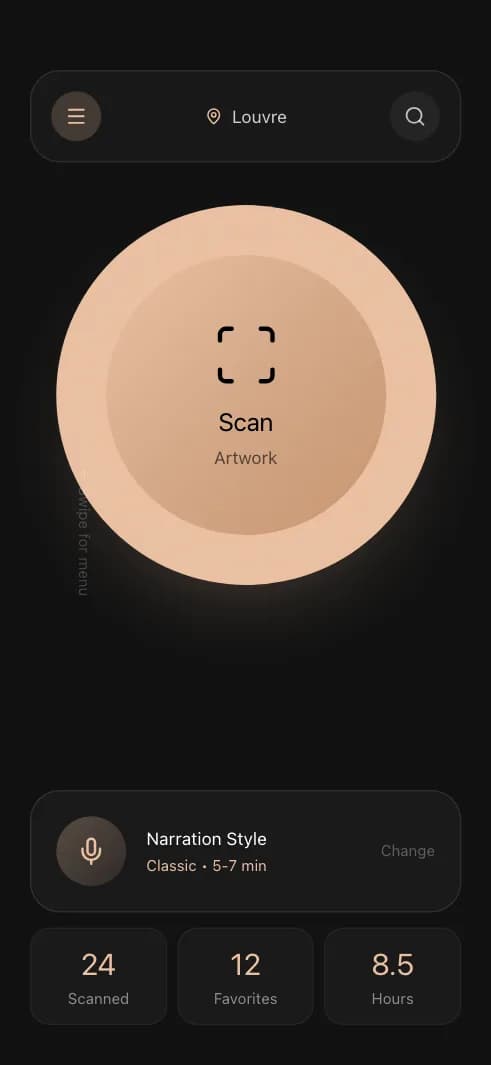
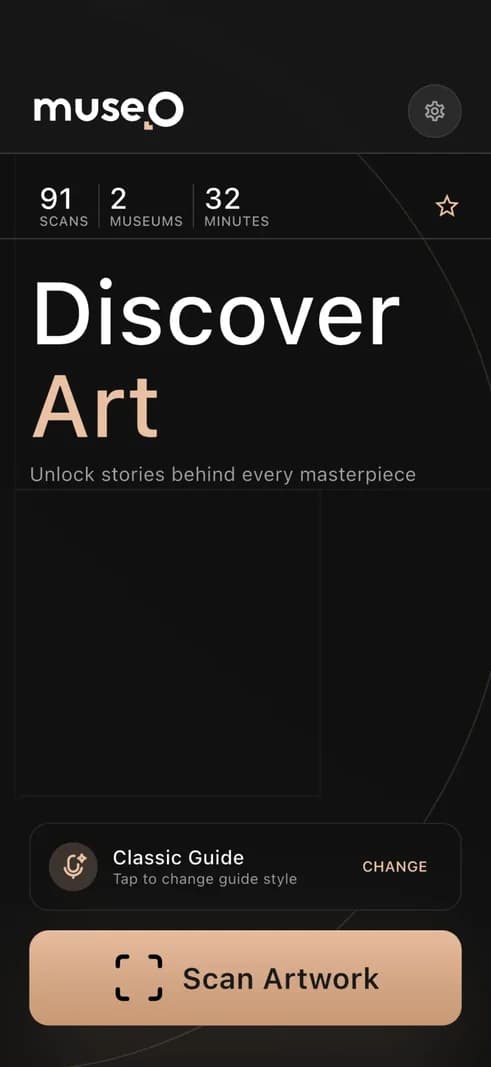
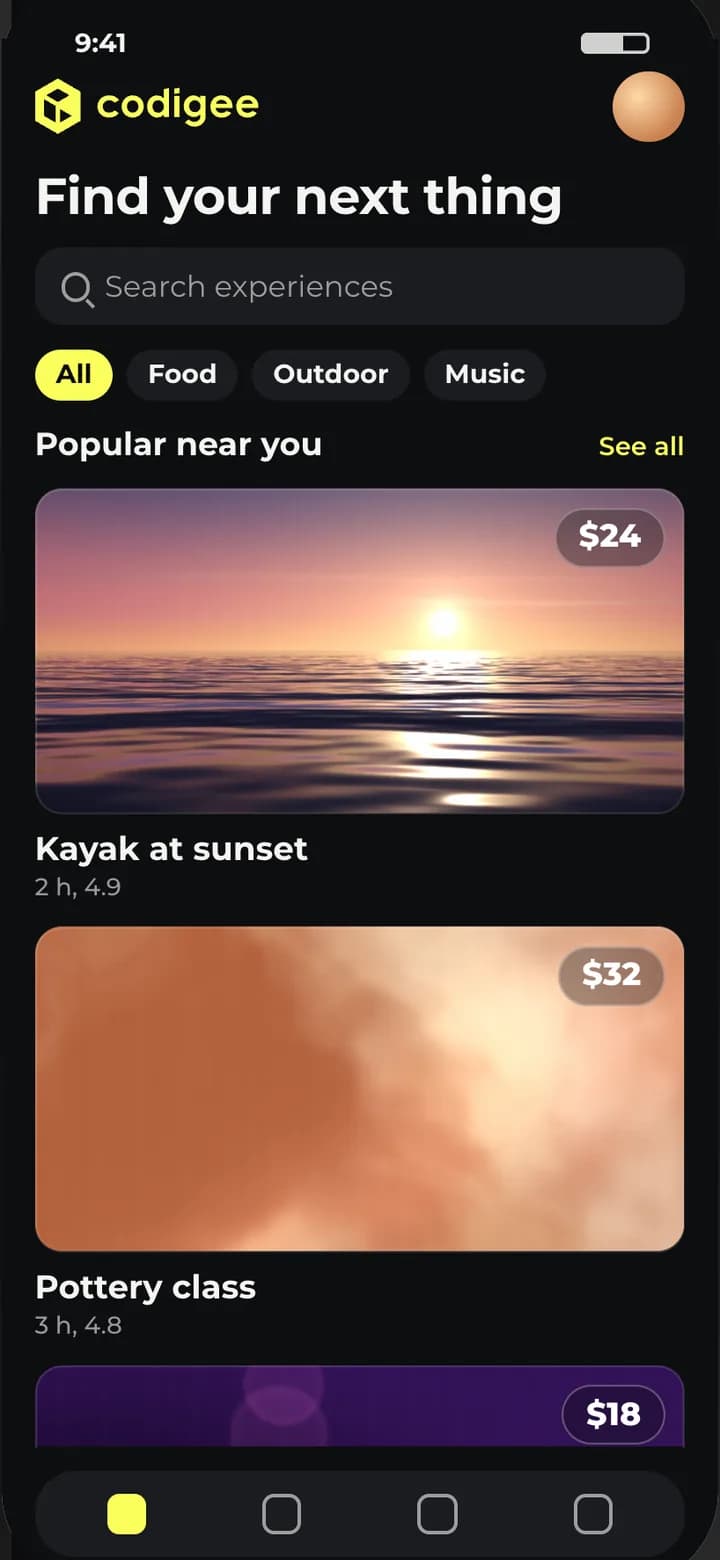 Store-ready
Lovable, Bolt and Replit changed who gets to build. You can describe a product on Monday and click through it on Tuesday. That is a real achievement, and it is the best starting point we see.
But a prototype that runs in a browser and an app that Apple and Google accept are two different things. The gap is rarely the screens. It is everything behind them.
The screens are not the problem
When founders send us an AI-built app, the interface is often good enough to keep. The flows make sense, and the founder knows the users better than anyone. What we check first is what the user cannot see.
Five things that block the stores
1. Secret keys inside the app
AI tools wire things up the fastest way: a key for payments, email or an AI model, placed right in the code that ships to the phone. Anyone can unpack an app and read it. Keys belong on a server, and the app should ask the server.
2. A database anyone can read
Many prototypes run on Supabase or Firebase with the access rules left open, so every signed-in user can read every row. It works in a demo with three test accounts. With real users, it is a data leak.
3. Accounts without an exit
If people can create an account in your app, Apple requires that they can also delete it from inside the app. You also need a privacy policy, the App Store privacy details and the Google Play data safety form, all matching what the app really collects.
4. A website in an app wrapper
An app that is mostly a website in a frame risks a rejection for minimum functionality. Reviewers want an app that behaves like one: native navigation, push where it helps, and no dead ends when the network drops.
5. Payments through the wrong door
Selling digital content or subscriptions inside an iOS app usually means Apple's in-app purchase, and Google Play Billing on Android. A web checkout that works in the prototype can get the app rejected.
What the stores ask right now
The rules move every year. Today Apple wants builds made with Xcode 26, and Google wants apps to target API 36. A new personal Google Play developer account must also run a closed test with at least 12 testers for 14 days before it can go public.
None of this is hard. All of it takes time if you meet it for the first time during review.
Keep, fix or rebuild
Not everything needs a rewrite. Our rule is simple: keep what works, rebuild native where it must be.
- Keep: the flows, the copy and the look your users already like.
- Fix: keys, data rules, sign-in, account deletion and the privacy forms.
- Rebuild: the parts that must feel native or must not break, such as payments, camera, offline use and push.
That is what Prototype to Store is for. It starts from $15k at a fixed price and covers the store-ready check, keys kept safe, a real and secure backend, account deletion and privacy, and the store listing and review. You end with a live app in both stores, and you own the code, the cloud account and the store accounts.
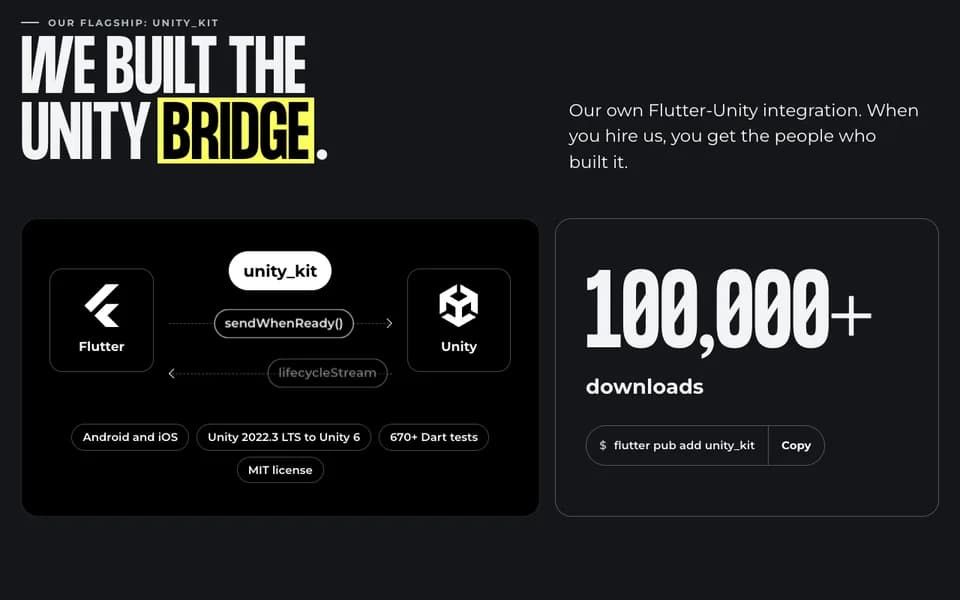
Staying with an app long after launch is normal work for us. StorySurf is one example: we have been on it from the start, since 2021, and we still run the app and the backend for its 100,000+ users.
We use AI too
We build with AI because it makes us faster: more directions for the key screens, quicker checks, and AI testing every build. The difference is what happens next. Codigee experts review every line before it ships, so speed never costs you a rejected build or a leaked key.
A five-minute self-check
Before you send your app to review, try this:
- Search your code for keys. If you find one, treat it as already public.
- Sign in as two different users. Can one see the other's data?
- Look for the delete account button. Is it inside the app?
- Turn on airplane mode. Does the app tell you what happened?
- Compare your privacy policy with what the app actually collects.
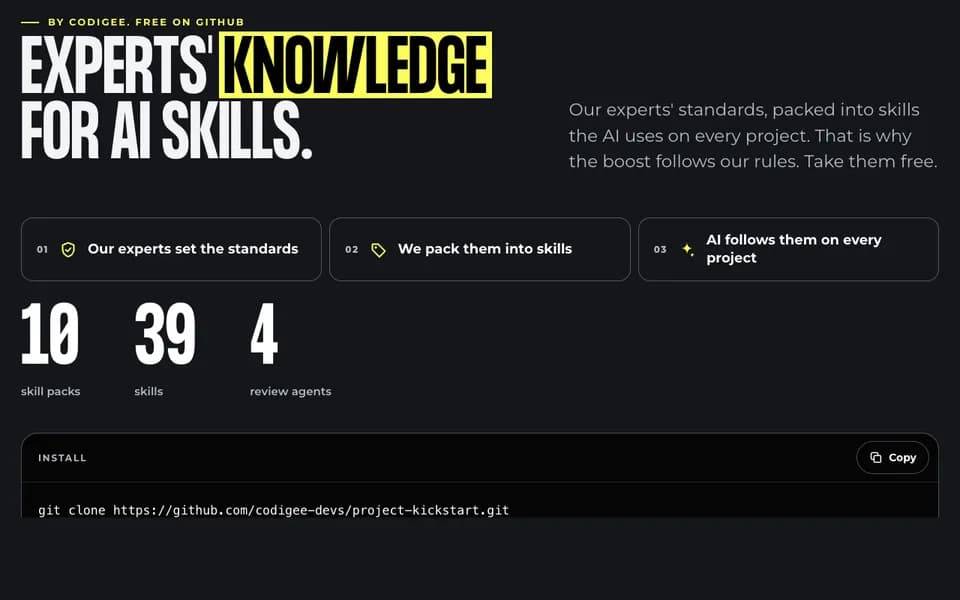
Want to fix it yourself? Our free Skills pack has 40 SKILL.md files for Claude Code that cover the work AI tools tend to skip, and Ask us is free too: email a question and we publish the answer. Want it done? Send us the link.