Your prototype is the best brief.
A forty-page spec tells a team what you think you want. A clickable prototype shows it. Here is why we would rather start from your Lovable app or Figma file than from a document, and what we add before any production code.
 By Eryk Kruk, CEO
 Direction 1
 Direction 5
 Shipped
Startups used to open with a long document. Teams read it, nodded, and built something slightly different.
Today most teams that write to us bring something better: a working prototype made in Lovable, Bolt or Replit, or a Figma file someone has clicked through a hundred times. We treat that as the brief.
Why a clickable thing beats a document
A document invites interpretation. A prototype removes it. When you can tap through the main flow together, three things happen fast: the real priority becomes obvious, the edge cases show up, and the price stops being a guess.
You also find out what you do not need, before anyone builds it.
What we keep, and what we question
Not every screen in a prototype is a decision. Some are guesses that happened to get built first. We go through the flow with you and sort each screen into one of three piles: the ones your users already understand, the ones that need a better idea, and the ones the first version can live without.
The first pile we keep almost as it is. The second gets new directions. The third goes on a list for later, so nothing is lost.
Many directions, then one
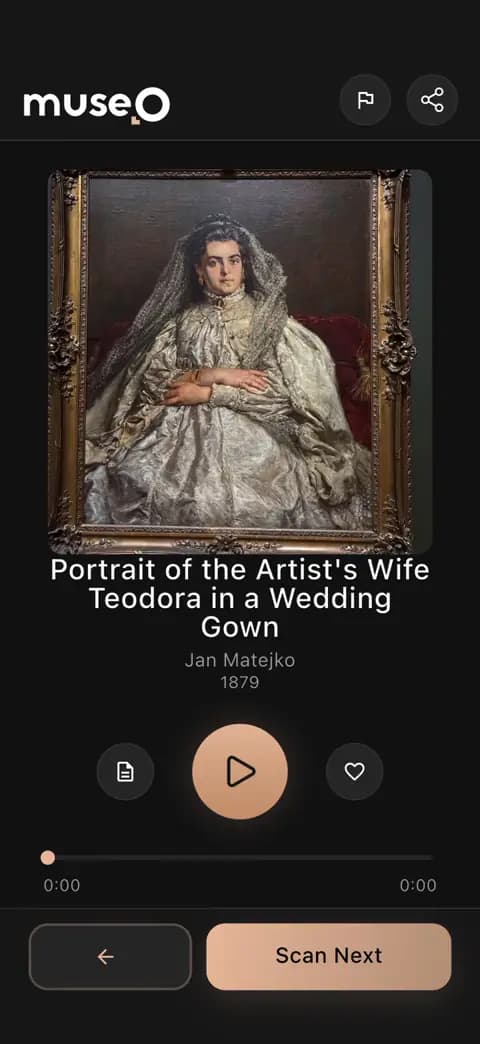
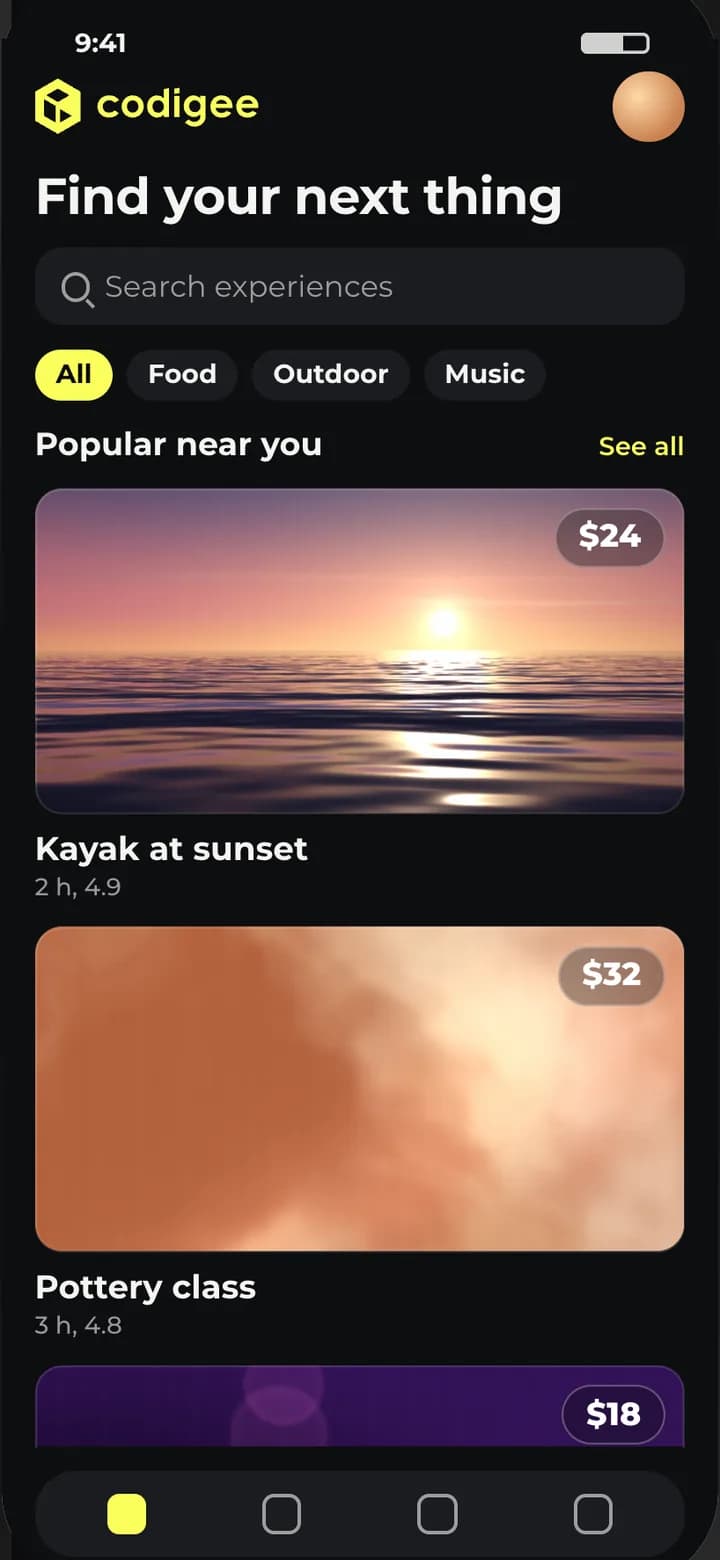
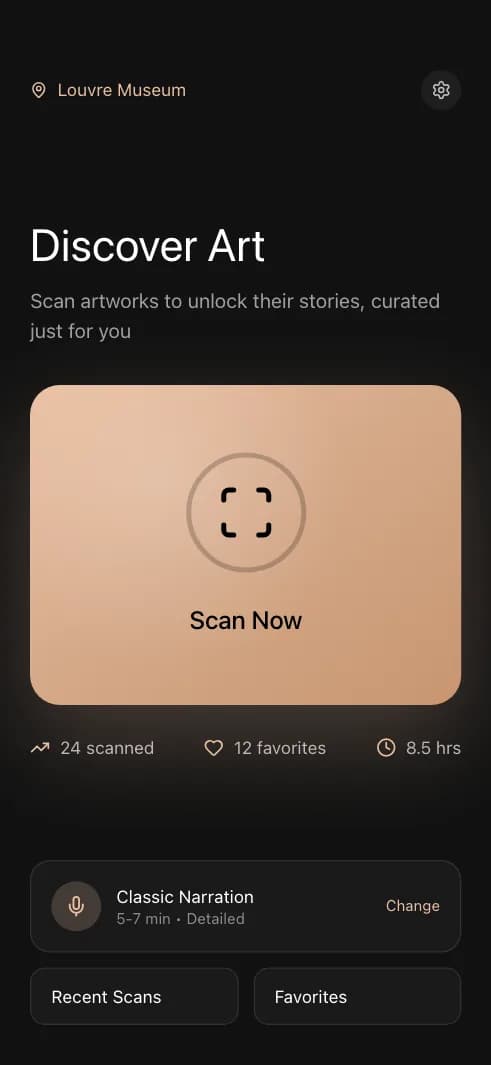
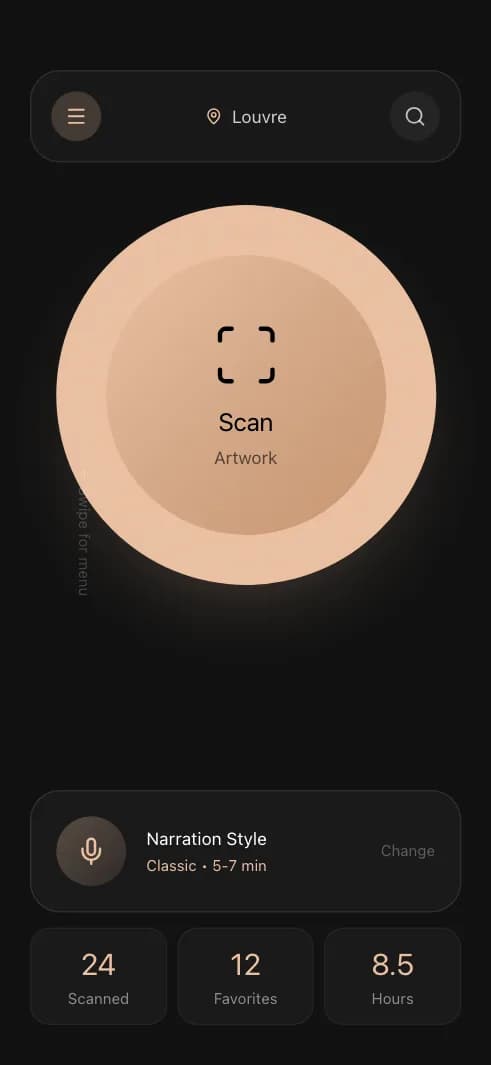
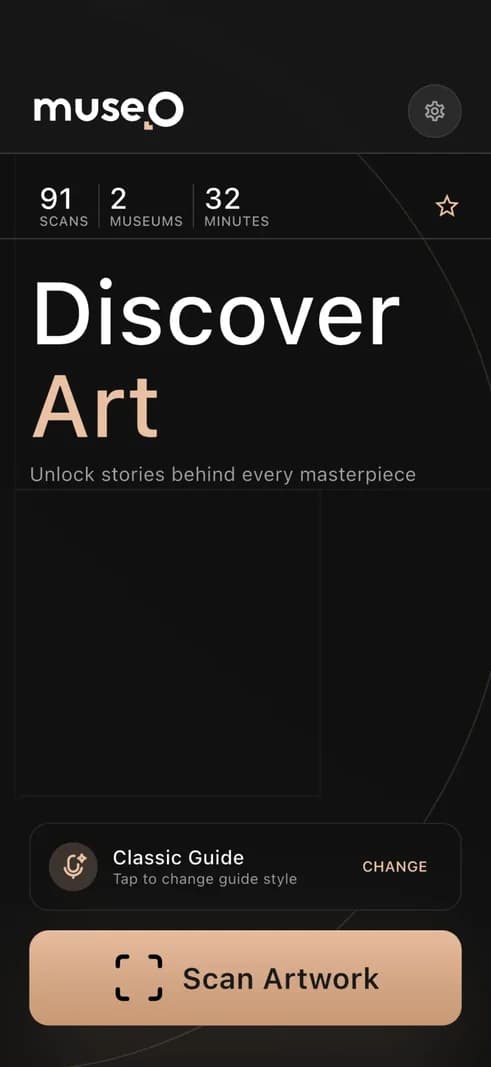
We use AI to go wide before we go deep. For Museo, a museum guide app, we explored 49 home-screen variations before we built one.
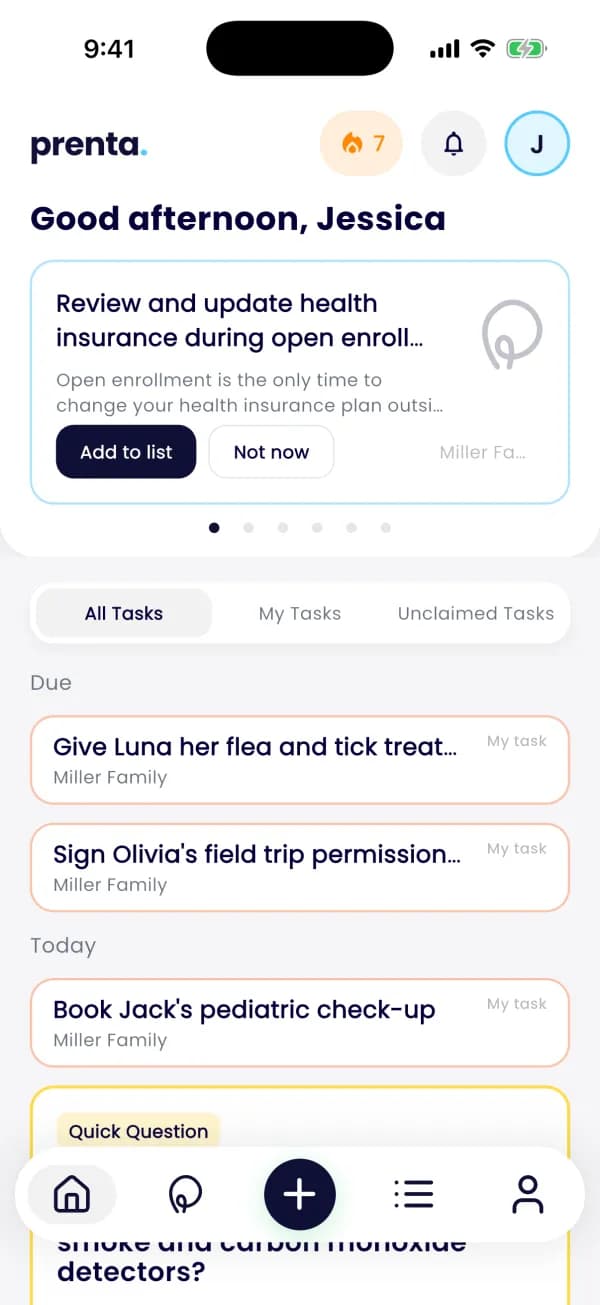
Prenta's founder came to us with an idea and an AI prototype. Over four rounds we clicked through 195 screens together and kept the best 10. Prototype rounds take days. Building the wrong screen costs far more.
The speed comes from AI. The judgement does not: Codigee experts review every line, so the shortcuts a prototype is allowed to take never reach the real app.
What your prototype does not show
A prototype is honest about the front and quiet about the back. Before we price anything, we look at four things:
- Data: what is stored, who may see it, and where it lives.
- Security: keys, sign-in and access rules that hold up with real users.
- Store rules: account deletion, privacy forms, payments through the right door.
- Operations: who edits content, answers users and reads the numbers. That is the admin panel.
Each one goes on the risk list with a decision: keep it, fix it, or build it properly.
What Prototype to Plan gives you
In 1-2 weeks, for $5k credited 100% to the build, you get:
- The scope, frozen in writing.
- Designed key screens and a clickable prototype.
- A fixed price for each milestone.
- The risk list.
It is yours even if you decide not to continue with us: a frozen scope and a price per milestone are something any team can build from.
What happens after the plan
From there, an MVP starts at $15k and takes about 8 weeks, and App Launch is typically $15-50k. Every week you get a new build on your phone and compare it with what you clicked in week one. If a screen drifts, you see it in days, not at the end.
If you change your mind, the change becomes a new fixed-price milestone, and only if you say yes. The prototype stays the brief all the way to the store.
What to send us
- The link to your prototype or Figma file.
- What must be in the first version, and what can wait.
- Your budget cap and your deadline.
That is enough to start. No forty pages needed.
"But my prototype is messy"
Good. Messy prototypes are honest. They show where you changed your mind, which flows you tried twice, and what you skipped because it was hard. We do not grade the code of a prototype, because we are not going to ship it as it is. We read it the way you would read a sketch: for the intent.
If your AI-built app already works for real users, that changes the plan, not the brief. Then the question is what to keep and what to rebuild, and Prototype to Store, from $15k, may fit better than a new build.