flutter_
If your Flutter app shows Unity scenes, there is a good chance it runs on flutter_unity_widget. The plugin is discontinued, and every new Unity, Xcode and Android release makes that riskier. Here is what the migration involves, what stays the same, and what it costs.
 By Eryk Kruk, CEO
For years, flutter_unity_widget was the default way to put Unity inside a Flutter app. Many good products were built on it: 3D product views, AR features, games inside apps.
It is now discontinued. Your app still works today. The question is what happens the next time the platforms move.
Why it matters now
A Unity integration sits where three moving systems meet: Flutter, Unity and the native iOS and Android builds. Each of them changes every year. Apple now wants builds made with Xcode 26, and Google wants apps to target API 36.
When the plugin in the middle stops getting updates, every one of those changes becomes your team's problem, usually in the week you planned to ship something else. The risk is not that the app stops today. It is that the next required update fails, and the fix has to be found under pressure.
What stays the same
- Your Unity scenes. The project, the assets and the game logic keep running.
- Your Flutter app. Screens, navigation and backend stay as they are.
- Your users. The migration ships as a normal update to the same app.
What changes is the bridge between Flutter and Unity: the part that starts Unity, passes messages both ways and handles the app going to the background and back.
The migration path
- Audit. We list every message your app sends to Unity and back, and check your Unity and Flutter versions.
- Swap the bridge. We replace flutter_unity_widget with Unity Kit and move each message to a typed one, so mistakes show up in the build, not in front of users.
- Lifecycle. We wire start, pause and resume, so Unity behaves when the app is minimised and reopened.
- Test on both platforms. iOS and Android, on real devices, against the current store requirements.
- Ship. A normal update in the App Store and Google Play.
Why Unity Kit
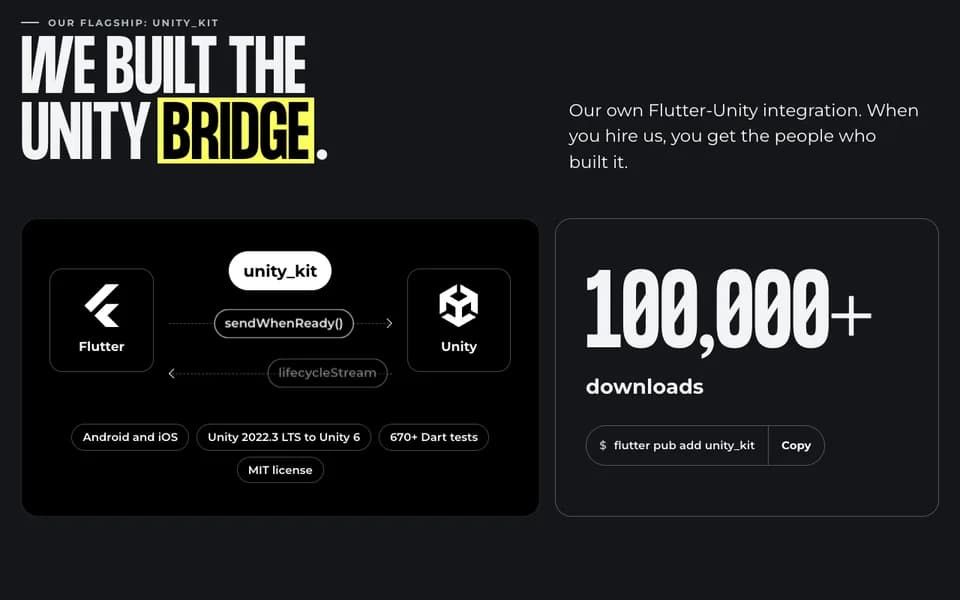
Unity Kit is our own integration. Hiring us, you get the people who built it.
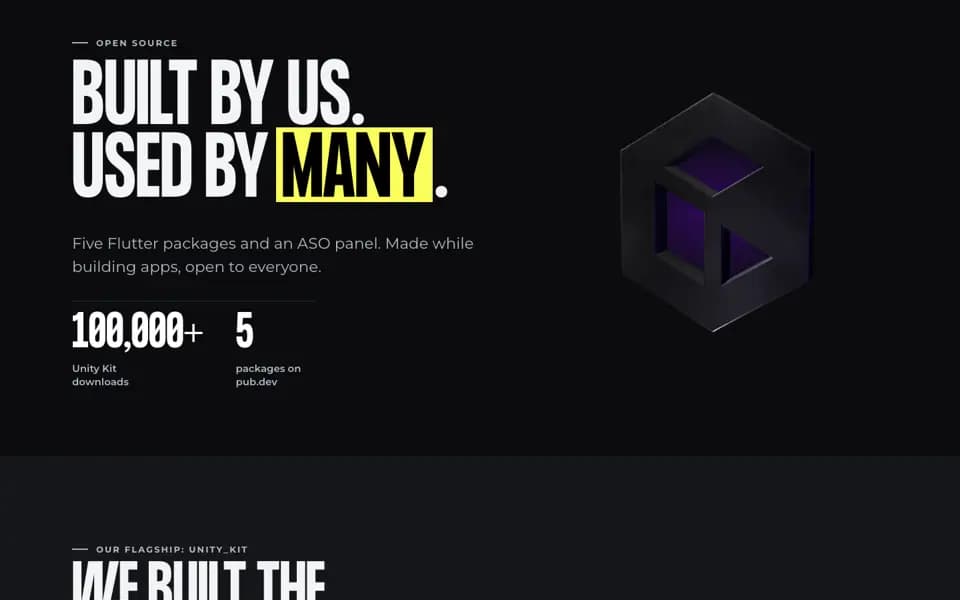
It passes typed messages between Flutter and Unity in both directions, runs on Android and iOS, supports Unity 2022.3 LTS up to Unity 6, and has 670+ Dart tests. It is MIT licensed and has 100,000+ downloads, so you are not trading one dependency nobody maintains for another.
It is also what we use on client work. For Digitoys, we built the Flutter app around the client's Unity 6 scenes, with 3,000+ automated tests. It has been in the App Store since July 2026.
Prefer to do it in-house? We publish a step-by-step migration guide for your team.
What it costs
A migration off flutter_unity_widget costs around $5k, at a fixed price. Adding Unity to an app for the first time is a new integration, from $8k.
We can staff both Unity and Flutter, or work next to your own Unity team. We use AI where it speeds things up, like mapping messages and writing tests, and Codigee experts review every line. You get the code, the documentation and a handover.
What your team does meanwhile
Very little. We need access to the repository, the Unity project and the devices you support. Your team keeps shipping features while we work on the bridge. When it is ready, we walk your developers through the new integration, so they own it after the handover.
Common questions
Do we need to upgrade Unity first?
Not always. Unity Kit supports Unity 2022.3 LTS up to Unity 6. If your project is older, the audit tells you what the upgrade involves, before the price is fixed.
Will our users notice?
They should not. The scenes and screens stay the same. The update simply keeps working on the next iOS and Android versions.
Can we add new Unity features at the same time?
Yes, as a separate milestone with its own fixed price, after the migration ships.
Signs you should not wait
- A Unity or Xcode upgrade is already on your roadmap.
- Builds fail, or warnings pile up around the Unity plugin.
- The developer who set up the integration has left.
- You plan new Unity features this year.