How to choose a software development partner that uses AI well
To choose a software development partner, set your budget cap and deadline first, then check how the team uses AI: who reviews AI-written code, which tests run, what data goes into which tool and who owns the code. AI makes good teams faster, and weak teams faster at shipping bugs. The questions, the real project and the scorecard below show you which one you are talking to.
 By Eryk Kruk, CEO
"I have three proposals. All three say they use AI. One is half the price of the other two. I am paying with my own money, and I cannot read code. Which one do I sign?" If that sounds like you, this guide is for you. It gives you 10 written questions, the red flags, the contract clauses and a scorecard, so you can compare teams on facts instead of sales calls.
Short answer: to choose a software development partner, write down your budget cap, deadline and what you already have. Then send every team the same questions about how they use AI: who reads the code the AI writes, which tests run, what data goes into which tool and who owns the result. Check their proof in about an hour per team, then start with a small, paid planning stage.
Why this matters for your money: a weak choice rarely fails on day one. It fails three months in, when the budget is half spent, nobody can explain the code and every fix costs extra. A good choice shows up as a new build on your phone every week and a price that does not move.
Before the first call: one page that makes every proposal comparable
In short: decide four things on one page before you talk to anyone: your budget cap, your deadline, what you already have and what "done" means. A team can only give you an honest answer when it knows your limits. Without them, every proposal looks good and none of them can be compared.
Think of it like asking builders to quote a house. If one quotes a bungalow and another a three-floor villa, the prices tell you nothing. A one-page brief makes every team quote the same house.
- Budget cap. The most you will spend of your own money, with a reserve. Write the real number, for example $20k. A good team fits the scope to the cap and tells you what does not fit.
- Deadline. A date and the reason for it: a trade show, a season, a store deadline. The reason helps a team decide what can wait for version two.
- What you already have. A prototype from Lovable, Bolt or Replit, a Figma design, a design doc or an old app. Each one changes the price and the plan.
- What "done" means. For example: in the App Store and Google Play, with sign-in, payments and an admin panel. If it is not on the page, it is not in the price.
A prototype that people have already clicked through is the best brief a team can get. We explain why in your prototype is the best brief. For what a fixed budget buys, line by line, see what $15k really buys.
AI makes good teams faster, and weak teams faster at shipping bugs
In short: AI changes the speed, not the standard. A team with clear review, tests and security checks ships faster with AI. A team without them ships more code that nobody has read. Almost every team now says it uses AI, so the question is no longer whether, but how.
Three terms you will hear on every call. An AI coding agent, such as Claude Code, is a program that writes and changes code when an engineer gives it a task. A code review means a second engineer reads every change before it goes into your product. An automated test is a small program that clicks through your app, for example sign-in or payment, and raises an alarm when something breaks.
A simple way to picture it: AI is a power tool on a building site. In the hands of a carpenter who measures twice, it builds the house faster. Without anyone measuring, it cuts the wrong boards faster. You are not hiring the tool. You are hiring the people who measure.
Two pieces of research are worth knowing (as of November 2026):
- Security. Veracode's 2025 GenAI Code Security Report tested 80 coding tasks across more than 100 large language models, the AI systems behind tools like ChatGPT and Claude. In 45% of the tests, the generated code introduced security flaws from the OWASP Top 10, a public list of the most common security mistakes in web software. Larger models did not do significantly better (Veracode, July 2025).
- Speed. In METR's randomised study from July 2025, 16 experienced open-source developers took 19% longer on 246 real tasks when AI tools were allowed, and still believed AI had made them about 20% faster (METR, July 2025). Randomised means each task was assigned to "with AI" or "without AI" by chance, so the comparison is fair.
- The update. METR itself now marks that result as out of date. Its February 2026 update on late-2025 tools leaned toward a speedup, but METR calls the new data very weak evidence, partly because many developers refused to work without AI (METR, February 2026).
The honest reading: AI tools do not make code safe on their own, and nobody can promise you a fixed speed-up. What protects your money is the process around the tool: who reads the code, which tests run and who owns the result. That is what the next ten questions check.
10 written questions that show how a team really uses AI
In short: send every team the same ten questions, in writing, and compare the answers side by side. Good teams answer with specifics: names, tools, rules and links you can open. A vague answer, such as "we follow best practices", is an answer too.
One word in the table needs a definition. A repository is the online folder that holds all the code of your app, with the full history of every change. Whoever controls the repository controls the app.
Questions 4 and 5 matter most if your app handles health data, money or children's data. A prompt is the instruction a person types into an AI tool, so anything pasted into it leaves your hands. Question 9 only applies when AI is part of the product itself, for example a chat or image recognition. Prompt injection means a user types instructions that trick the AI feature into breaking its own rules, for example into showing another user's data. The OWASP Top 10 for LLM Applications 2025 starts with prompt injection and sensitive information disclosure, and a team building AI features should know the list without looking it up.
7 red flags that should end the conversation on the first call
In short: end the conversation when a team promises speed it cannot show or keeps the work out of your sight. Each flag below takes minutes to spot on a first call, and months to discover after the first invoice.
- A speed multiplier. Any promise that AI makes the team a fixed number of times faster. The research above is mixed, so a team selling a multiplier is selling a guess.
- "AI does everything." Someone still decides what to build, reads the code and owns the bugs. Ask who that is.
- No tests, or "we test at the end." With AI writing more code faster, untested code also piles up faster.
- No code access until the final payment. You should be able to open the repository every week.
- No fixed price per milestone. Open hourly billing with no cap is fine for a company with its own engineers. It is risky when the budget is your own money.
- Nobody technical on the call. Answers to the ten questions should come from the people who will build, not only from sales.
- A price far below everyone else, explained by AI. Ask what was left out: review, tests or support.
A real project: how AI plus senior review shipped Museo in about 3 months
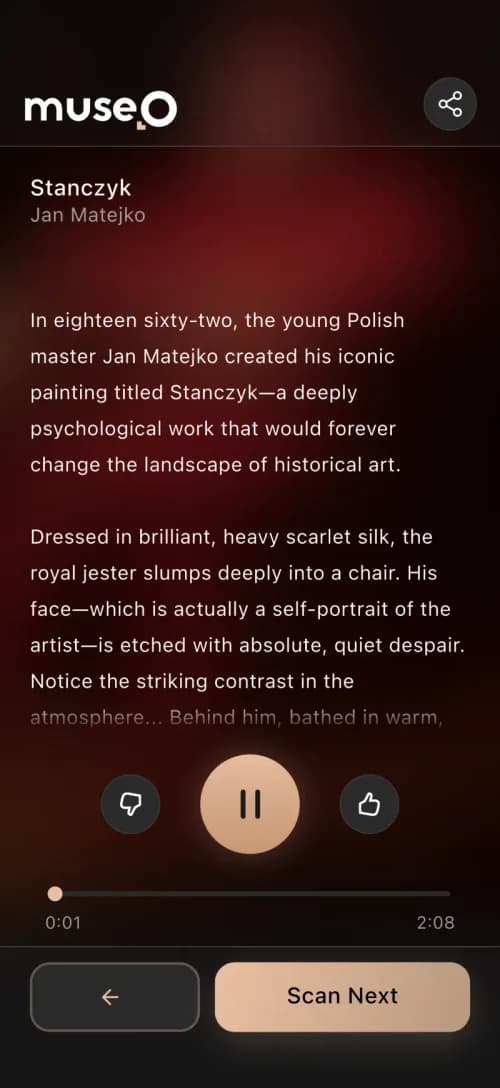
In short: Museo is a museum guide app we built where AI does the heavy writing and voice work, and people approve every result before visitors see it. It went from concept to a working product in about three months. It is the same rule we apply to code: AI drafts, seniors check, and you see the result every week. The full story is in the Museo case study.
The problem: months of manual work, no IT team
For a museum, going digital used to mean months of curators writing descriptions and voice actors recording them, language by language. Most museums have no IT team to run the software either. So foreign visitors stood in front of labels they could not read, and the museum had no idea how people moved through the exhibition.
What we did: AI for the volume, people for the decisions
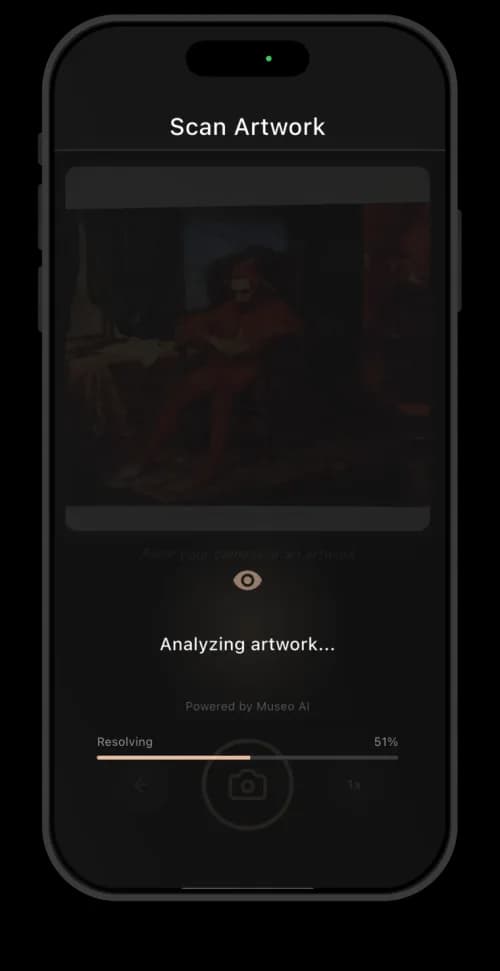
- Riskiest part first. We shipped the Ambassador app first: a staff app for photographing artworks and generating their descriptions and narration. That tested the hardest part, the AI content, on real artworks before anyone built the visitor app.
- A person approves every AI draft. Every description and recording lands in a review queue. Staff read it, edit it and approve it before it goes live.
- Automatic checks on top. Every audio clip is checked automatically against its script before it can ship, the same idea as automated tests on code.
- One team for the whole product. One team designed and built the visitor app, the staff app, the admin panel, the backend and the AI services, so nothing fell between vendors.

The result: a live product, with numbers you can check
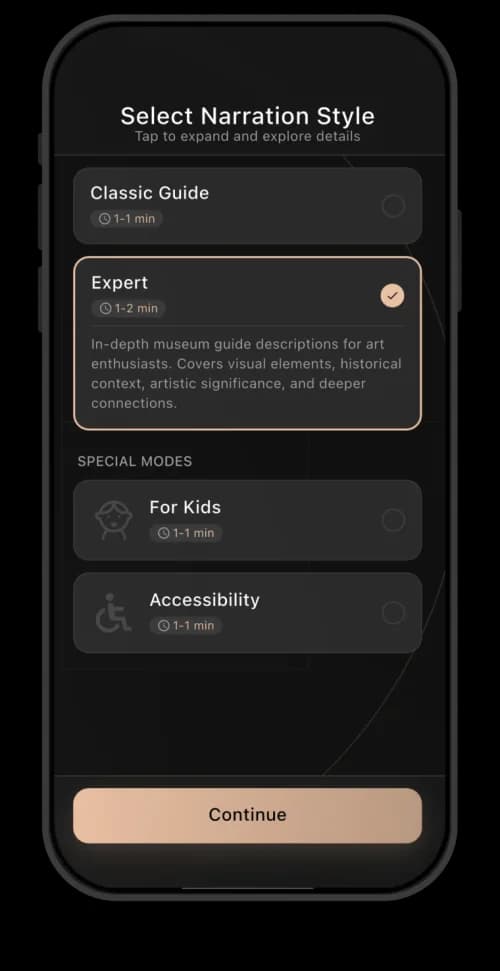
Museo went from concept to a working product in about three months, as one system of 6 parts: the visitor app and the staff app for iOS and Android, an admin panel, a backend and two AI services. The app interface works in 28 languages, AI narration in more than 20, artwork recognition takes about 100 ms and the app meets the WCAG 2.1 AA accessibility standard.
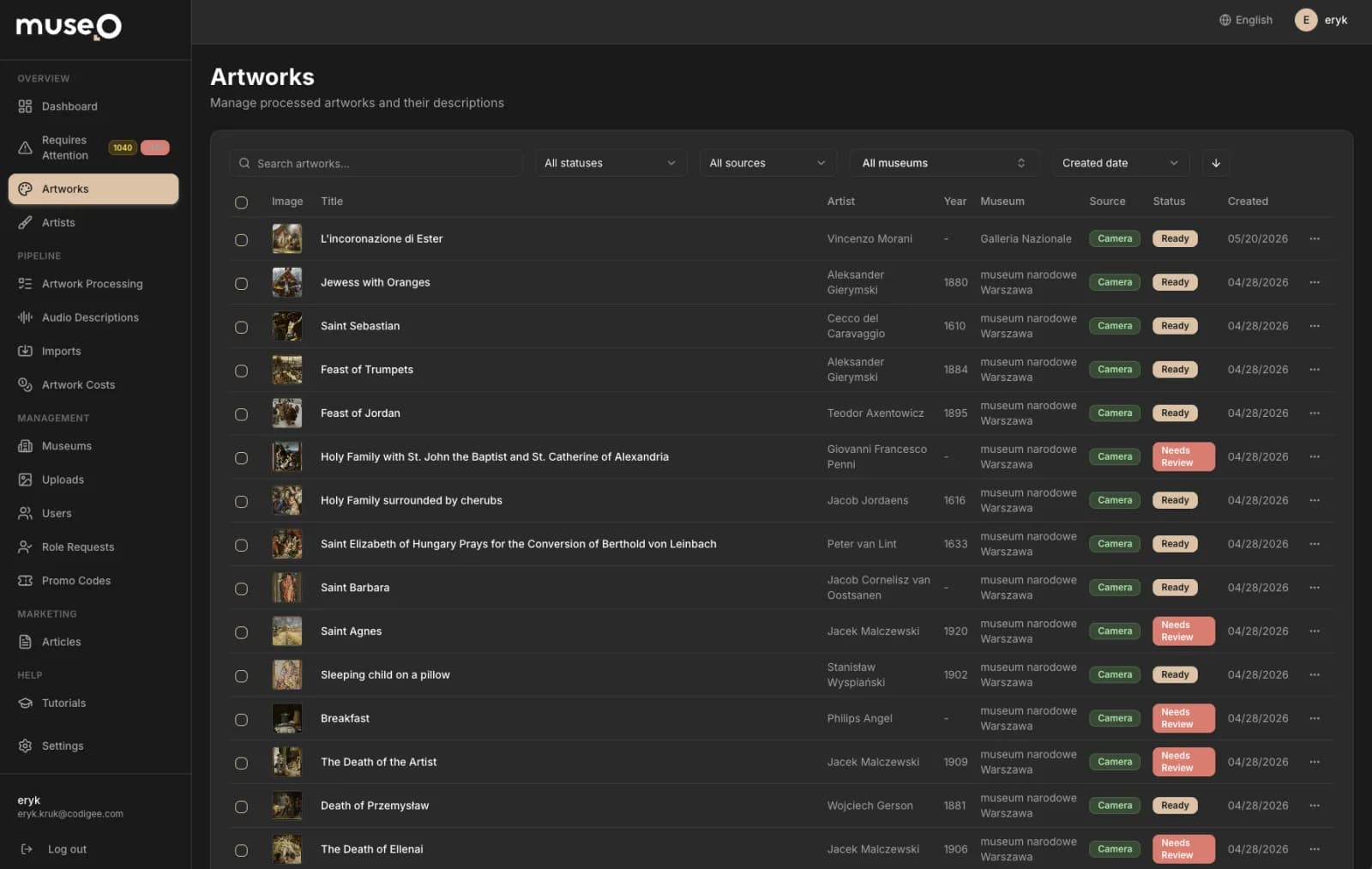
What this means for your scorecard: questions 1, 2 and 9 are not theory for us. You can see the answers working in a live product before you sign anything.
What proof can you check in one hour, without reading code?
In short: you can check most claims in about an hour per team, without a technical background. Do it for your top three before any paid work.
- 15 minRead five Clutch reviews in full, not only the stars: budget, timeline, what went wrong and how the team handled it
- 15 minInstall two of their apps from the App Store or Google Play and check the last update date and the user reviews
- 10 minOpen their public code, if they have any: recent changes, tests, a clear readme
- 10 minPick one case study and check that the client and the app are real and live
- 10 minAsk for a call with one past client of a similar size to you
Then buy a small, paid planning stage before the big contract. It is the lowest-risk way to see how a team works: how it asks, how it writes and how it prices. Ours is Prototype to Plan: $5k, 1-2 weeks, key screens, a fixed price per milestone and a risk list, credited 100% to the build. All our prices are on the pricing page.
5 contract clauses that keep your code and your money safe
In short: the contract should make you the owner of everything from day one and tie every payment to something you can check on your phone. Five clauses do most of the work. Intellectual property, the first one, simply means the legal rights to the code, designs and texts made for you.
One legal detail is worth knowing. In January 2025 the US Copyright Office said that AI output is protected by copyright only where a human author has determined sufficient expressive elements, and that prompts alone are not enough (US Copyright Office). So human review and editing matter for ownership, not only for quality. We are not lawyers: ask yours how this applies in your country.
The scorecard: compare every team on one 200-point sheet
In short: score each team from 0 to 2 on every row, multiply by the weight and add it up. 0 means no answer or a red flag, 1 a vague answer, 2 an answer with proof you can open. The maximum is 200. We would not hand our own money to a team under 120.
Use the same sheet for every team on your list, including us. When two teams score close, pick the one whose answers you understood without a second call.
Why founders with a fixed budget pick Codigee, and how to check us
In short: we are Codigee, a senior team from Poznan, Poland, founded in 2018 with 100+ projects shipped, that designs and builds mobile apps with their backend and admin panel, at a fixed price per milestone within your cap. Every project is run by seniors, and you talk to them directly, with no account managers in between. Below is where we are strong, each point with proof you can open.
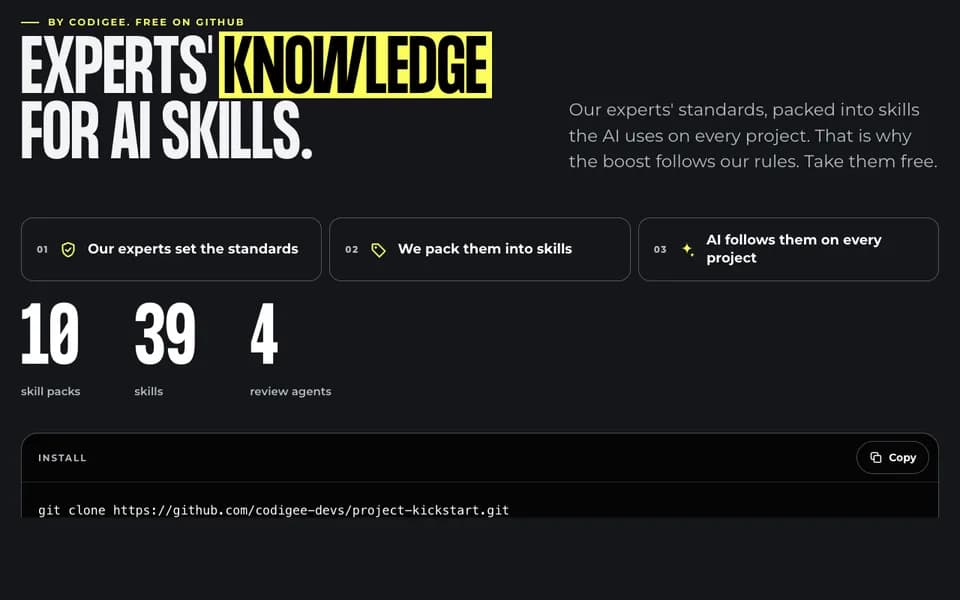
- Review and tests: we use AI coding agents such as Claude Code, guided by our own SKILL.md files. Codigee experts review every line before it is merged, and automated tests run on every change. 40 of those skills are free on Build with AI, so you can read exactly how we work.
- Ownership: your code repository, your cloud account and your App Store and Google Play accounts are yours from day one.
- Price: a fixed price per milestone, and you can stop at any time and pay only for finished milestones. MVP / App Launch starts from $15k and typically takes 8-12 weeks. Every app we build has a 6-month guarantee.
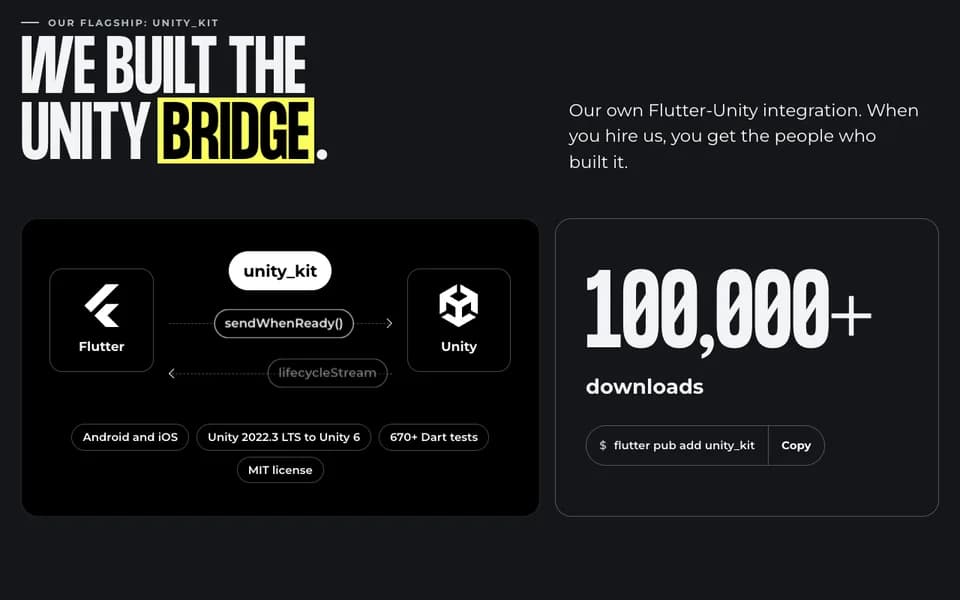
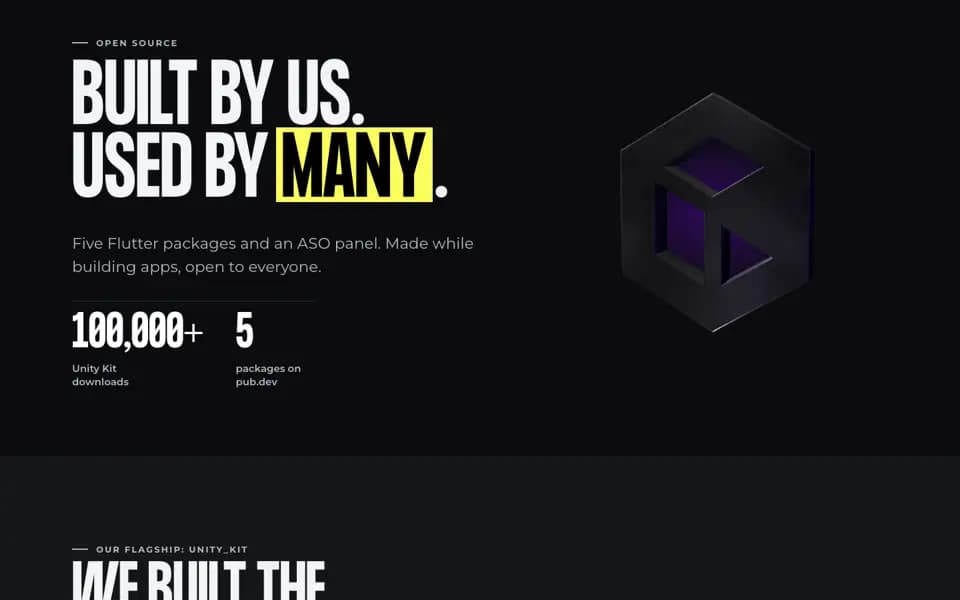
- Proof: a 5.0 rating on Clutch, live products such as Museo, and our open-source packages for Flutter, such as unity_kit.
Why a small senior team works in your favour: nobody on our side has to pass your question to someone else. The senior who answers on the call is the one who reads the AI-written code, so decisions take a day, not a week of meetings.
Spending your own money on a first app? See how we work with founders. Hiring for mobile specifically? Our older guide on how to choose a mobile app development company covers goals, scope and portfolios.
Common questions
01How do I choose a software development partner?
Write down your budget cap, deadline and what you already have. Send the same questions to three teams, including who reviews AI-written code and who owns the code. Check their proof in an hour each, then start with a small, paid planning stage before the full contract.
02What is AI-assisted software development?
Building software with AI tools, such as coding agents, that write, test or review code while engineers decide what to build and check the result. Done well, a person reviews every change and tests run on every change. Done badly, AI output reaches your users unread.
03Is AI-generated code safe?
Not by default. In Veracode's 2025 tests across more than 100 models, 45% of the tasks produced code with security flaws. It becomes safe through the same checks as any code: human review, automated tests and security scans before release.
04How do I hire app developers with a budget of $10-30k?
Set a hard cap and ask for a fixed price per milestone, so you can stop if things go wrong. Start with a small, paid planning stage to freeze the scope. At Codigee, MVP / App Launch starts from $15k and Prototype to Plan is $5k, credited 100% to the build.
05Who owns code written with AI tools?
Your contract should give you all rights in the code, including the parts written with AI tools, and the code should sit in your repository from day one. In the US, AI output is protected by copyright only where a human author shaped it, so human review matters. Ask a lawyer about your country.
06Do you use AI?
Yes, as a tool. A senior engineer reads every line, and you own and can read all of it. We use coding agents such as Claude Code, and automated tests run on every change.
Was this article useful?
5.0 / 5 · 12 ratings