Custom MCP server: run your admin panel from chat
A custom MCP server connects your admin panel to Claude, ChatGPT or Cursor, so your team can ask for a report, import a CSV or undo a change in plain words. It pays off when routine admin eats hours every week. Here is what it changes for the business, how to build one step by step and how to keep it safe, with the server we run in production for Prenta as the real example.
 By Eryk Kruk, CEO
"Can you pull last week's failed payments for me?" "Can someone import these 20 products?" "Who changed this price, and what was it before?" If your team sends requests like these to a developer every week, this article is for you. It shows how a custom MCP server lets your team ask an AI assistant instead, and how to make that safe.
Short answer: a custom MCP server is a small service on your backend that gives AI assistants a fixed set of tools: "list failed payments", "import products from CSV", "undo a change". Your team signs in, asks in plain words, and every action goes through the same roles and checks as your admin panel. Below: what it changes, how to build one, how to keep it safe, what it costs, and how we built the one that runs in production for Prenta.
What is an MCP server for an admin panel? A clerk for your back office
In plain words: an MCP server for an admin panel lets an AI assistant work in your back office (the admin panel and the systems behind it), but only through actions you chose in advance. Claude, ChatGPT or Cursor reads the list of those actions, picks the right one for your question, and the server runs it with your permissions. The assistant never touches the database directly.
Think of a bank counter. You do not walk into the vault yourself. You ask the clerk, the clerk checks your ID, and the clerk can only do what is on the bank's list of services. The MCP server is that clerk. The assistant asks, the server checks who is asking, and it runs only the actions on its list. In MCP, those actions are called tools.
MCP stands for Model Context Protocol. It is an open standard: a public set of rules for connecting AI apps to data and tools. The current version of the specification is dated 2026-07-28 (MCP specification, as of November 2026). Because it is a standard, one server works in every client that supports it. A client is simply the AI app your team types into. You build the server once, and your team uses the assistant they already have.
What changes for your team: three filters become one sentence
In short: it moves routine admin work from clicking to asking. A question that needs three filters and an export becomes one sentence. A task nobody built a screen for becomes possible without a new screen.
Four things make it worth the money:
- Time on routine admin. Reports, lookups and bulk edits take a sentence instead of a session in the back office.
- No new screen for every edge case. A one-off question does not need a developer, a design and a release.
- Non-technical staff can do data tasks. The tool does the query; the person only describes what they need.
- It works where your team already is. Claude, ChatGPT, Cursor or VS Code. No new app to roll out.
It does not replace your admin panel. Screens are still better for things people do all day. MCP covers the long tail: the questions and fixes that come up once a week and never got their own button.
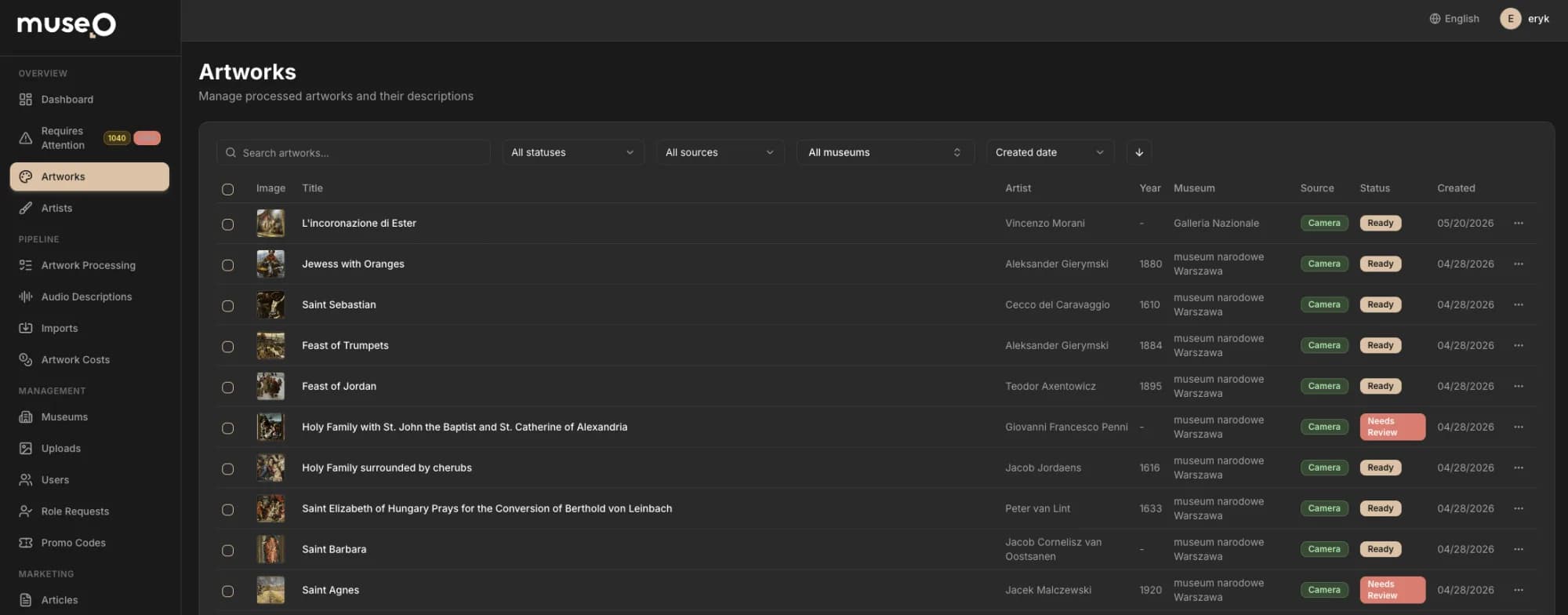
A quick test of whether it pays off for you: list the admin requests your team made last month, and mark the ones that came back every week without a screen of their own. If you mark more than a handful, MCP is worth pricing. If your team spends most of the day in one or two screens, a better screen helps more.
Which tools to expose first, so the worst case is a wrong answer
In short: start with tools that only read. Add safe writes once your team trusts the answers. Add destructive actions last, each with a human confirmation. A write is any action that changes data. A destructive action deletes something, moves money or cannot be undone. This order means that in the first weeks the worst case is a wrong answer, not wrong data.
- Read-only. An overview of the system, search, reports, exports and a tool that describes your data model, so the assistant knows what a "product" or an "order" is in your app.
- Safe writes. Create and update records, imports with a preview, editable texts and settings. Every write goes to a change journal.
- Destructive actions. Delete, refund, bulk price changes, anything that touches money or cannot be undone. Many products never need these in chat at all.
How to build a custom MCP server in 8 steps, without rebuilding your panel
In short: you do not rebuild your admin panel. You add a thin layer on top of its API, the interface your panel already uses to read and save data. These are the eight steps we follow:
- Step 1Pick the transport. A remote server on your backend (Streamable HTTP), so it works in web and desktop apps and nobody installs anything.
- Step 2Sign in every admin. Each person logs in with their own account (OAuth) or gets a personal API key.
- Step 3Design the tools. One tool per business action, each marked read-only or destructive.
- Step 4Preview, then commit. Imports and bulk edits show what will change before they change it.
- Step 5Keep a change journal. Every write stores the value before and after, with an undo tool.
- Step 6Limit and filter traffic. A cap on requests per person, and a list of websites (Origins) allowed to call the server.
- Step 7Connect the clients. Claude, ChatGPT, Cursor or VS Code, with the server URL.
- Step 8Test with real tasks. The ten questions your team asked last month, not a demo script.
Steps 1 and 2: a remote server, and a personal sign-in for every admin
A transport is the way the assistant and your server talk to each other. The specification defines two standard ones: stdio for a server that runs on one person's computer, and Streamable HTTP for a server on the internet (MCP transports). For an admin panel you want the remote one: it lives next to your API, and nobody installs anything. Next, sign-in should know who is asking. OAuth is the standard behind "Sign in with Google" buttons: each admin logs in with their own account, and the server reads their role. A personal API key, a long secret password for one person, is the simpler fallback for clients without OAuth. Never use one shared key for the whole team: then the journal cannot tell you who did what.
Step 3: name tools after business actions, not database tables
A tool called "run SQL" lets the assistant write any database query it likes (SQL is the language databases speak). It is fast to build and hard to trust. A tool called "list failed payments" with a date range and a customer filter does one thing, checks its inputs and returns what a person needs. MCP lets you put small labels on each tool, called hints. readOnlyHint says the tool only reads. destructiveHint says it can delete or overwrite something. Clients use them to decide when to ask for confirmation: OpenAI says they help ChatGPT choose its confirmation behaviour, and that they do not replace checks in your server (OpenAI Apps SDK docs). So the server still checks the role on every call.
Steps 4 and 5: a preview before every import, an undo for every change
An import runs in two calls. The first reads the file and returns a preview: 18 new products, 2 updated, 1 row with a missing price. Nothing is saved yet. The second call saves exactly that preview. Every write then lands in a change journal: a log with the value before and after, who made the change and when. Two tools sit on top of it: one lists recent changes, one reverts a change. "Undo that" becomes a normal request, not a restore from backup. For the business, a mistake made in chat costs one sentence to fix, not an afternoon with a developer.
Steps 6 to 8: rate limits, connecting Claude and ChatGPT, tests on real tasks
Every request from a browser says which website it came from. That label is the Origin header. The specification says a Streamable HTTP server must check it and reject an unknown one with 403, the standard "forbidden" answer (Streamable HTTP). This stops a harmful website, open in someone's browser, from reaching your server. Next, add a rate limit per person: a cap on how many requests one person can send per minute. Then a confused assistant stuck in a loop cannot hammer your database. Then connect the clients. In Claude, you add a remote server by URL as a custom connector, and on Team and Enterprise plans an Owner adds it for the whole organization (Claude docs). ChatGPT can add a custom MCP server too (OpenAI docs). Cursor and VS Code read the server URL from mcp.json, a small settings file. Finally, test with the questions your team really asked last month. Wrong answers usually point to a missing tool or a vague description, not to the model.
Prenta: an admin MCP server with about 30 tools, in production
In short: a production server is a short list of well-named tools, a sign-in, limits and an undo. Here is the one we built for Prenta, told simply: the problem, what we did, and the result.
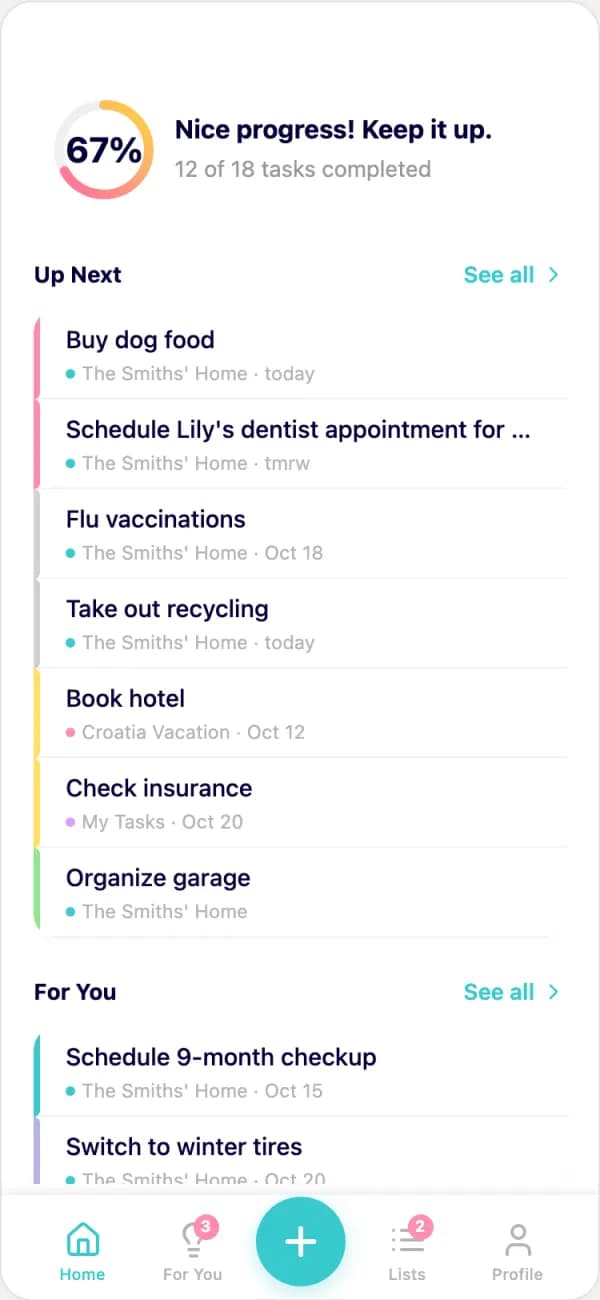
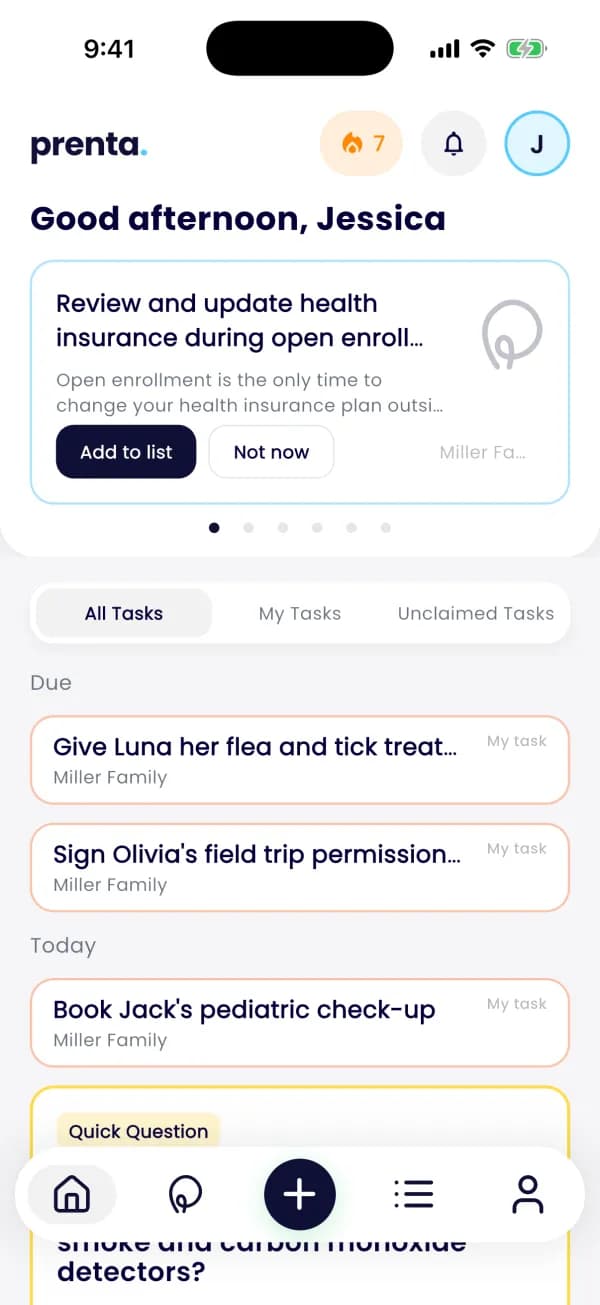
The problem. Prenta is a household to-do app that plans ahead. Its founder, Erika, came to us with an idea and an AI prototype. The heart of the app is a catalogue of household tips written by hand: about 300 tips and 1,172 subtasks, such as "Apply flea and tick prevention" with its four steps. A catalogue that size changes all the time, and editing it one form at a time means a lot of clicking.
What we did. We built the mobile app, the backend, the admin panel and the website. Next to the admin panel we added an MCP server. It is written in TypeScript with the official MCP SDK, a ready-made code library for MCP, and runs on the backend over Streamable HTTP. A second "lab" server works on a snapshot, a copy of the data, so new tips can be tested and tuned before they reach real homes.
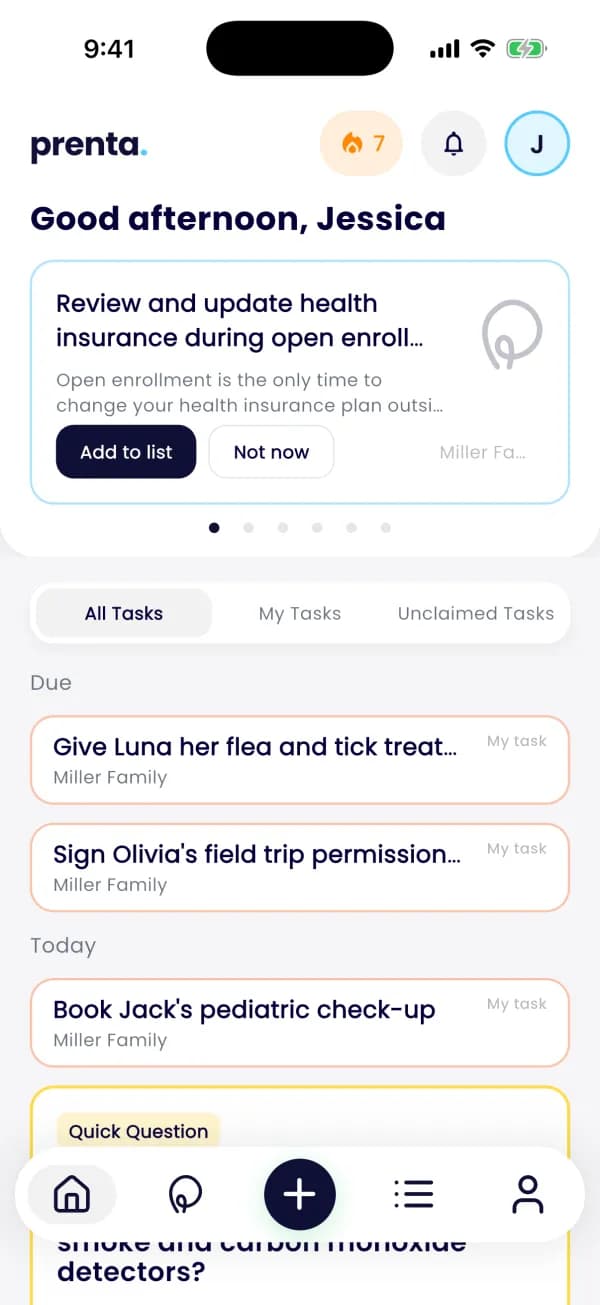
The result. Prenta's catalogue is edited in chat over MCP. Editors fix content by asking, in the same words they would use with a colleague. When something goes wrong, they list the last changes and revert one. New tips are tested on sample homes in the lab server first. One team built every part, from the first call in February to the store build in September. See the Prenta case study for the app itself.
Is it safe to connect an admin panel to AI? Yes, when the server holds the keys
In short: yes, if the safety lives in the server and not in the AI. The model can be wrong or tricked, so the server decides what each person may call, what needs a confirmation, and what can be undone. These are the risks we design for:
A token is a digital pass that proves who sent a request. Token passthrough means the server takes a pass that was made for something else and forwards it to your API. The MCP security guide forbids it outright: a server must not accept tokens that were not issued for it (MCP security best practices). It also recommends starting with a minimal set of read permissions and asking for more only when a tool that needs them is first used. The specification adds that there should always be a human who can deny a tool call. Stripe works the same way: creating a refund through its MCP server needs a human confirmation in the Dashboard (Stripe MCP docs).
For the business, this is the difference between a risk you manage and a risk you hope away. A wrong answer costs a minute. A wrong refund costs money and a customer's trust. That is why we design anything that moves money or deletes data to need a person's confirmation, or we leave it out of chat altogether.
Ready-made MCP server or a custom one: when each one wins
In short: if your data lives in a product that already ships an MCP server, start there. Build your own when your admin panel is your own code, or when the work your team does is about your business, not about tables. In the table, Stripe is a payments platform, Supabase is a hosted database, and Directus, Strapi and Payload are content management systems (CMS), ready-made admin panels for editing content.
Ready-made servers speak in tables and records. Your team speaks in "failed payments", "this week's sign-ups" and "undo that". A custom server closes that gap, and it can sit next to a ready-made one: Stripe for payments, your own for the rest.
How much does a custom MCP server cost? $5k, or included in App Launch
In short: at Codigee, MCP on its own is $5k: your existing product, available in Claude and ChatGPT. When we build the whole product, it is included in MVP / App Launch, which starts at $15k and is typically $15-50k. All prices are on our pricing page.
What moves the effort most is the state of your back office. A clean API with roles is a good start. If the admin panel talks straight to the database, we first add a thin API layer. Not sure which case is yours? A mobile app audit, which also checks the backend, answers that before anyone quotes a price. In an App Launch, the admin panel with MCP sits in weeks 9-10 of our example plan (see How much does it cost to build an app in 2026?).
To judge the price, put it next to what the long tail costs you today: the hours your team spends on lookups and bulk edits, and the developer time for every small screen or one-off export. If that adds up to hours every week, the server is worth it. If it does not, keep your admin panel as it is. If you need a whole app built on top of your own systems, our page for companies shows the options and prices.
Who should build your MCP server? Five questions, and our answers
In short: pick a team that has an admin MCP server running in a real product, can show it to you, and lets you talk to the engineers who built it. These five questions separate a working server from a demo. Next to each one is our answer, with proof from Prenta.
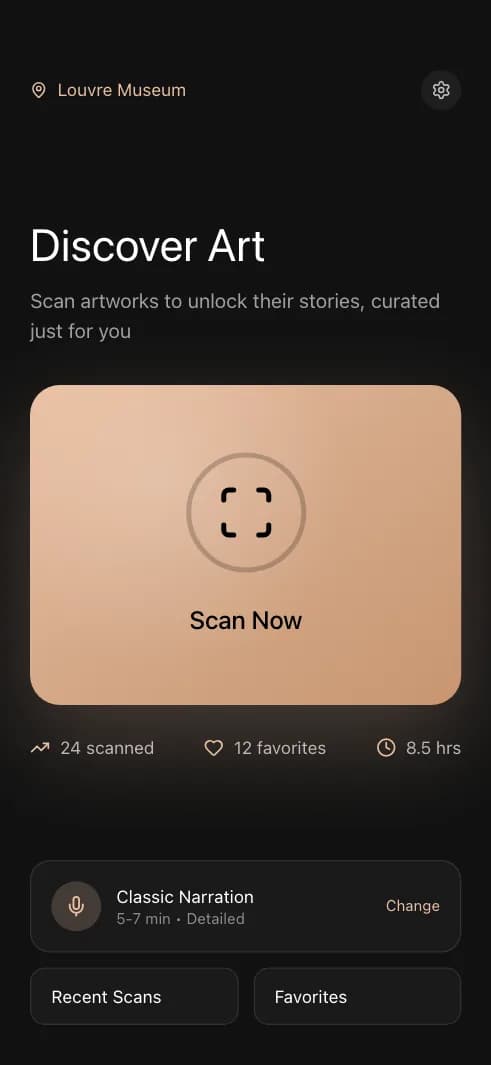
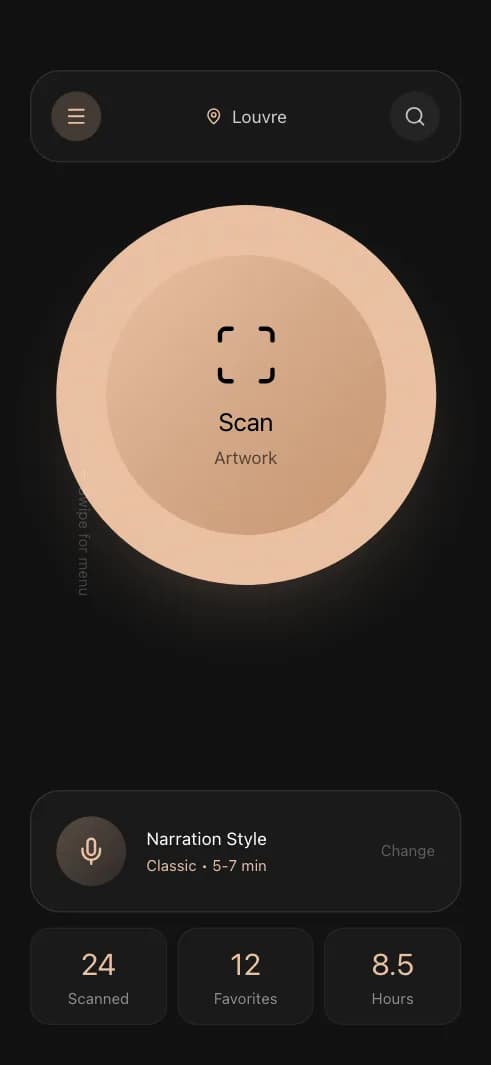
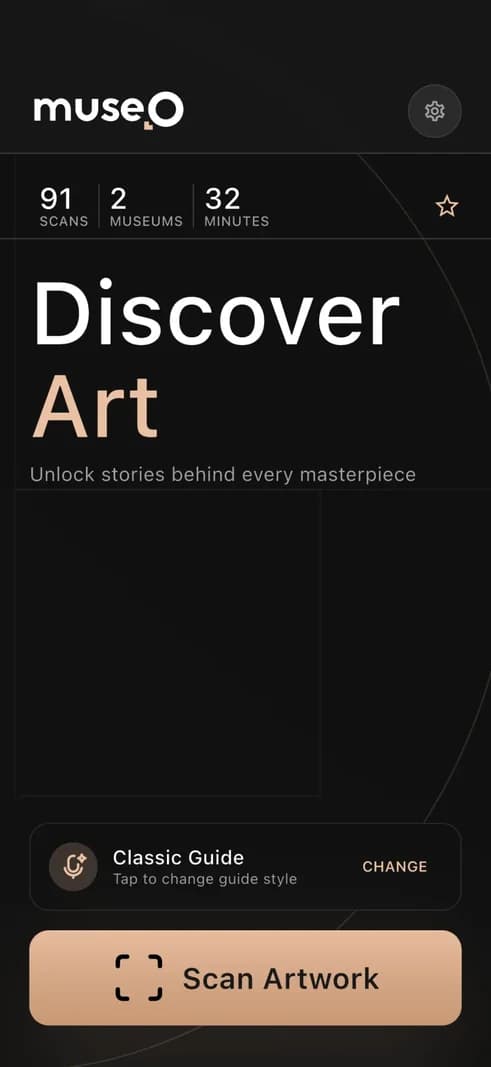
Why a small senior team fits this work. An MCP server touches your data, your roles and sometimes your money. You want the people who design it on the call, not a summary passed along by an account manager. At Codigee you talk to the senior engineers who name your tools, wire the sign-in and test the undo, and to our CEO, Eryk Kruk, from the first call. The same way of working took Museo from concept to a live product in about 3 months: one ecosystem of 6 components, including Flutter apps, a Next.js admin panel and an AI pipeline.
Clients rate us 5.0 on Clutch from 19 reviews, and in 2026 Clutch named us a Top App Development Company in Poland. Not sure what your back office could expose? Ask our engineers, the answer is free.
Common questions
01What is MCP?
MCP (Model Context Protocol) is an open standard that connects AI apps such as Claude, ChatGPT and Cursor to data and tools. A company builds one MCP server, and every client that supports MCP can use its tools.
02Can ChatGPT use a custom MCP server?
Yes. ChatGPT can connect to a remote MCP server you build. OpenAI's docs say ChatGPT currently asks for manual confirmation before write actions. The same server also works in Claude, Cursor and VS Code.
03Do I need to rebuild my admin panel?
No. The MCP server sits on top of the API your admin panel already uses. If the panel talks straight to the database, we add a thin API layer first. Your screens stay as they are.
04Does the AI see all my data?
Only what your tools return, and only for the person who signed in. Each role gets its own set of tools, and nothing gives the model direct access to the database.
05What if the AI makes a wrong change?
Every write goes to a change journal with the value before and after, so you can list recent changes and undo one. Destructive actions need a human confirmation, and imports show a preview first.
06How much does an MCP server for an existing product cost?
At Codigee, MCP on its own is $5k. It is included in MVP / App Launch, which starts at $15k. You keep using your own Claude or ChatGPT plans.