

Taking over an app from another developer? Start with an audit.
Before a new team takes over your app, get it audited. A good mobile app audit checks the code, the crashes, the store status, who owns the accounts, the backend, security and tests, and ends with a written report and a plan with prices. At Codigee, an App Audit costs $5-8k, so you know what to keep, what to fix and what it costs before anyone rebuilds anything.
 By Eryk Kruk, CEO
 Corner
 Sales Companion
The old agency stopped answering. The freelancer moved on. Or the last update got rejected, and nobody on your side knows why. You need a new team, and the new team needs to know what it is taking over.
That is what an audit is for, and it is not a formality. It checks seven things, from the store accounts to the tests, and ends with a fixed plan before anyone quotes a rebuild. At Codigee it costs $5-8k.
Why audit an app before a new team takes it over?
Without an audit, a new team quotes blind. Either it adds a big safety margin to the price, or it finds the problems after you have signed. Both cost you.
With an audit, you get facts first. Often the code is better than you fear. Sometimes it is worse. Not always the answer you hoped for, but always one you can plan around.
What does a mobile app audit check?
A good audit looks at seven things. Code is only one of them.
Who owns the app's accounts, keys and code?
Start here. Code can always be fixed. Some lost things cannot be brought back.
On iOS, the app lives in an Apple developer account. Apple can move an app to another account: the current Account Holder starts the transfer, and the app keeps its Bundle ID, reviews and ratings. The code does not move with it. Apple says the sender must hand over the code and build assets directly.
On Android, Google Play can also move an app to another account. You need the registration transaction IDs of both accounts. Users, ratings and subscriptions move with the app. Orders made before the transfer stay in the old account.
Then the signing key. If the app uses Play App Signing and the upload key is lost, Google can reset it. If the old team manages the app signing key itself and loses it, Google says it cannot be reset. Find out which case you are in before you part ways with anyone.
Our rule is simple: the code, the cloud account and the store accounts belong to you, from day one.
What are the red flags in an app you are about to take over?
- Nobody can build it. The last release was made on one person's laptop.
- The store accounts are not in your company's name. They sit in the old agency's or the freelancer's account.
- The backend runs on someone else's cloud account. The old team pays the bill and holds the access.
- Secret keys sit inside the app. Anyone can unpack an app and read them.
- Nobody looks at the crashes. Crash reporting is off, or nobody has opened it in months.
- No tests. Or tests that nobody runs.
- The app is on Xamarin. Microsoft ended support for all Xamarin SDKs on May 1, 2024.
- No account deletion. If people can create an account, Apple requires that they can delete it inside the app.
One red flag is not a disaster. Several of them together often mean the plan will include a rewrite.
What do Apple and Google require right now?
An app that shipped fine last year can be stuck today. The rules move every year, and an old team that stopped updating the tools leaves that problem to you.
- Apple: since April 28, 2026, apps uploaded to App Store Connect must be built with Xcode 26 or later.
- Google Play: since August 31, 2026, new apps and app updates must target Android 16 (API level 36). An extension could only push that to November 1, 2026.
- Google Play, existing apps: apps that do not target at least API level 35 stop reaching new users on newer Android versions.
The first update after a takeover is usually where these show up. The audit finds them first. If your app is on Xamarin, read what Xamarin end of support means for your app.
What do you get at the end of an audit?
- A written report. What we found, in plain words, ordered by risk.
- Keep or rewrite. Which parts are worth keeping and which are not.
- A fixed plan. The order of the work and a price for each milestone.
- An ownership checklist. Every account and key that has to move into your name.
Then you decide. We fix it while the app stays live, or your own team does, with the report as its brief. The report is yours either way.
How does an app takeover go, step by step?
- Step 1Audit: code, crashes, store status
- Step 2A fixed plan with prices
- Step 3Accounts and keys in your name
- Step 4Fixes shipped to the live app
When the app has to be rewritten, we do it step by step and ship it as an update to the same app, so your users keep the app they already have. Where the old app allows it, Flutter runs inside it first and takes over screen by screen, as it did at Fitatu.
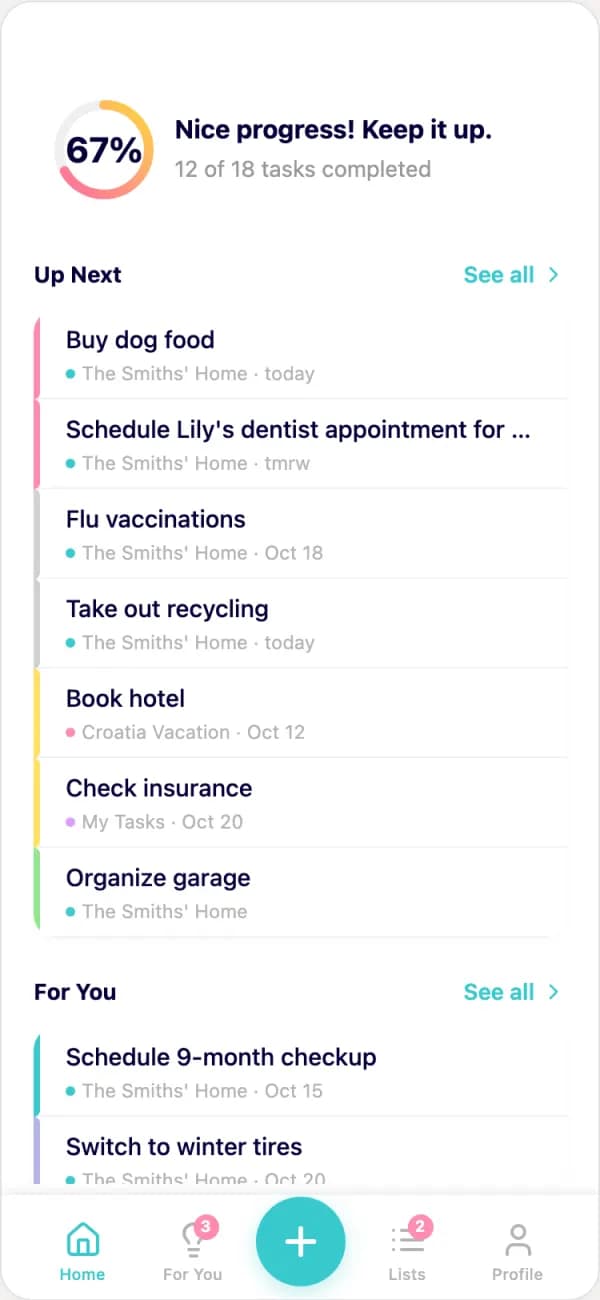
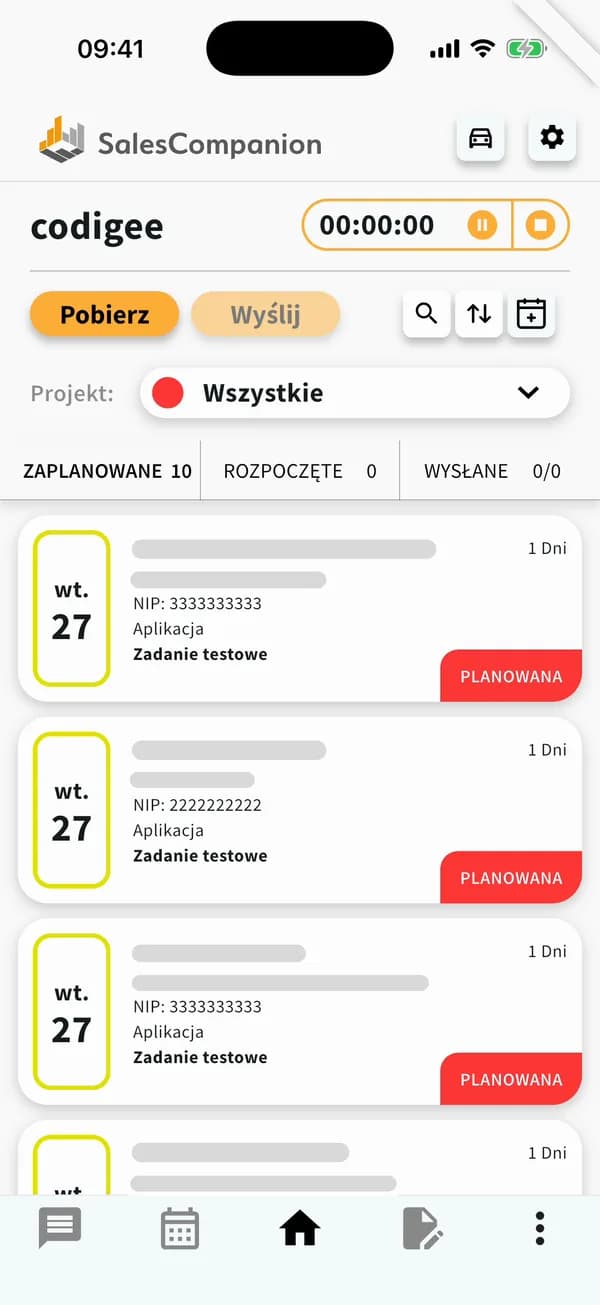
Sales Companion, a field sales app we have developed for over 4 years, shows how that looks over time. Its first Flutter app was written before null safety. We rewrote it from scratch in 2024, and every client moved over.
How much does a mobile app audit cost?
At Codigee, an App Audit costs $5-8k and ends with a fixed plan, before anything is rebuilt. Where it lands in that range depends on how big the app and its backend are.
After the audit you pay a fixed price per milestone, with an invoice per accepted milestone, and you can stop after any milestone. A rewrite to Flutter starts from $20k. If you would rather have our experts inside your own team, Team up is $60/h, minimum 120 h a month.
All prices are on our pricing page. If it started with a rejected update, see how the App Audit gets a rejected app shipping again.
What did a takeover look like at Corner and Fitatu?
Corner, a live-stream marketplace, came to us from a previous company. We took it over, worked on performance and removed the lags, and the shopping conversion rate went up.
Fitatu is a diet and calorie app with over 10 million users, built on Cordova. We moved it to Flutter step by step, with Flutter running inside the Cordova app first, while the app stayed live. After the rewrite it was 99.7% crash-free. Read the Fitatu case study.
What changes once we take over?
We build with AI because it makes us faster, and we keep people on the checking. AI tests every build and writes tests up to 100% coverage. Codigee experts review every line before it ships.
You get a new build on your phone every week, so you see progress instead of hearing about it. Every app we launch comes with a 6-month guarantee: our own bugs are on us. More on the process for companies on our page for companies.
Common questions
01How much does a mobile app audit cost?
At Codigee, an App Audit costs $5-8k. It ends with a written report and a fixed plan with a price per milestone, before anything is rebuilt.
02Can I take over my app if the old developer does not cooperate?
It depends on what is in your name. If the store accounts and the repository are yours, yes. If not, both the Apple and the Google transfer start from the account the app is in now, and the code has to be handed over separately, so you need the current owner.
03Do I have to rewrite the app after the audit?
Not always. Often a large part of the code can stay, and we fix what crashes or blocks updates. If the app sits on Xamarin or Cordova, or has to grow, the plan may include a rewrite to Flutter, from $20k.
04Can my own developers do the fixes?
Yes. The report and the plan are yours. We can fix it while the app stays live, or your team works from the plan.
05What do you need from me to start an audit?
Access to the code repository, to App Store Connect and the Play Console, and to the backend or cloud account. Add the crash reports if you have them, and a short note on what went wrong with the previous team.
06Who owns the code after the takeover?
You do. The code, the cloud account and the store accounts are yours, from day one.