Lovable app to the App Store: wrap it or rebuild it?
Lovable cannot put your app in the App Store by itself. It builds web apps, so you either wrap the web app in a native shell or rebuild the parts that must be native, then pass Apple's and Google's review from your own developer accounts. A wrapper is faster, but Apple rejects apps that are little more than a website. With us, a store-ready app starts from $15k at a fixed price.
 By Eryk Kruk, CEO
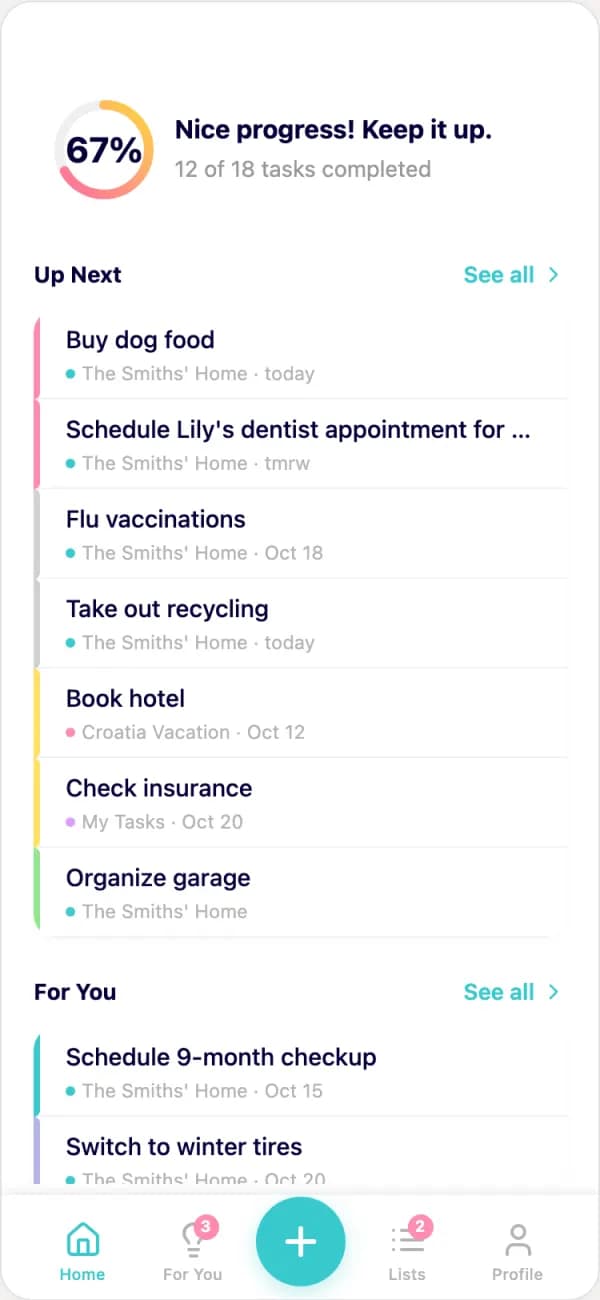 AI prototype
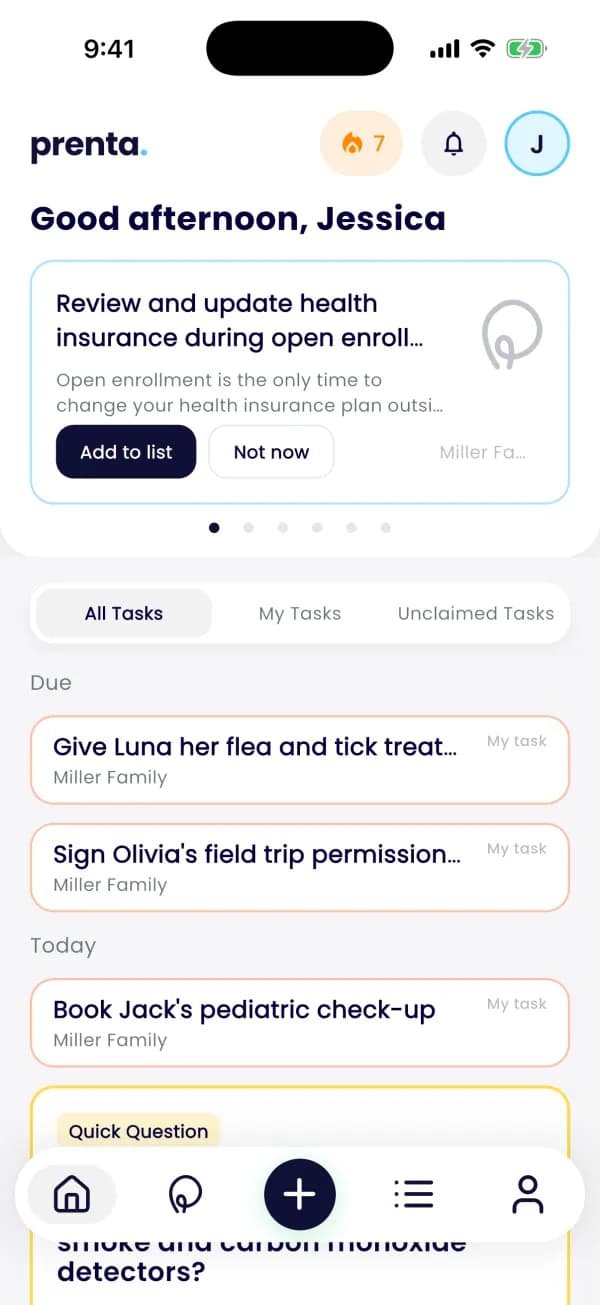 App in development
Can Lovable publish to the App Store?
Not by itself. Lovable's own FAQ says it builds web applications and does not generate React Native projects. To get a phone app, you either install it from the browser as a PWA, or wrap the published app in a native shell such as Capacitor, outside Lovable, and submit that.
The other tools go further, but none of them makes store review go away.
Wrapper or rebuild: which one do you need?
A wrapper puts your web app inside a native shell. It is the fastest route, and also the one most likely to hit Apple's minimum functionality rule. A rebuild makes the app native where it matters. It takes longer, and it is the route for apps people pay in or rely on every day.
The honest answer: not every prototype needs a full rebuild. The useful question is which parts must be native, not whether to throw everything away.
What do Apple and Google check?
Review is not only about looks. These are the rules AI-built apps meet most often:
- Apple 4.2, minimum functionality. The app should include features, content and UI that elevate it beyond a repackaged website.
- Apple 4.2.6, app generators. Apps from an app generation service are rejected unless the provider of the app's content submits them. Submit from your own Apple developer account, not the tool's.
- Account deletion. If people can create an account, Apple wants them to start deleting it inside the app. Google Play asks for an in-app path plus a web link, declared in the Data safety form.
- Payments. On iOS, unlocking features or content inside the app means in-app purchase (Apple 3.1.1).
- A review that works. Apple asks for a demo account if the app has a login, and for your backend to be on (2.1).
- Google Play testing. A personal developer account created after November 13, 2023 must run a closed test with at least 12 testers, opted in for 14 days in a row, before going live.
You also pay the stores directly: the Apple Developer Program is 99 USD a year, and a Google Play developer account is 25 USD, once.
What should you keep from the prototype?
More than most people think. Our rule is simple: keep what works, rebuild native where it must be.
- Keep: the flows, screens, copy and look your users already tested. It is the best brief a build can start from.
- Fix: secret keys, database access rules, sign-in, account deletion and the privacy forms.
- Rebuild native: payments, camera, offline use, push and anything that must not break.
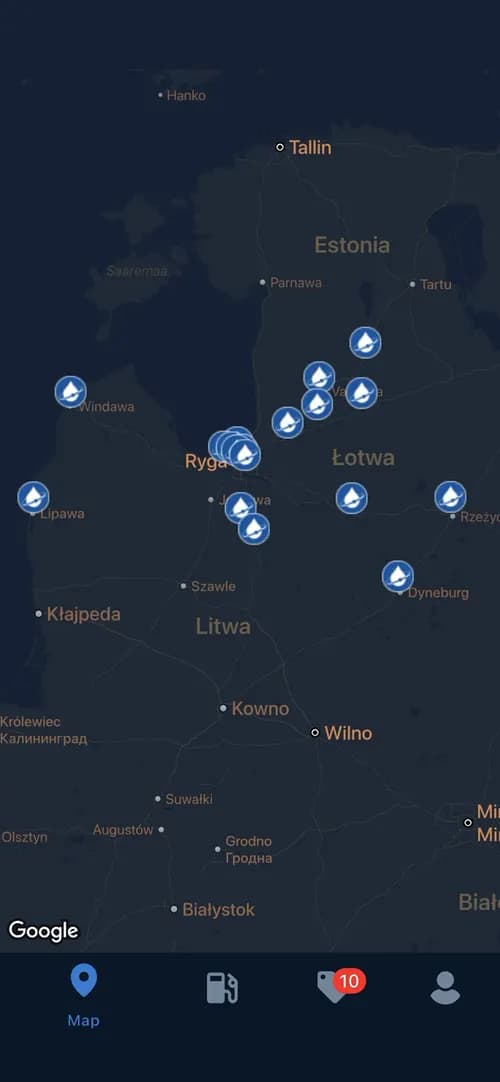
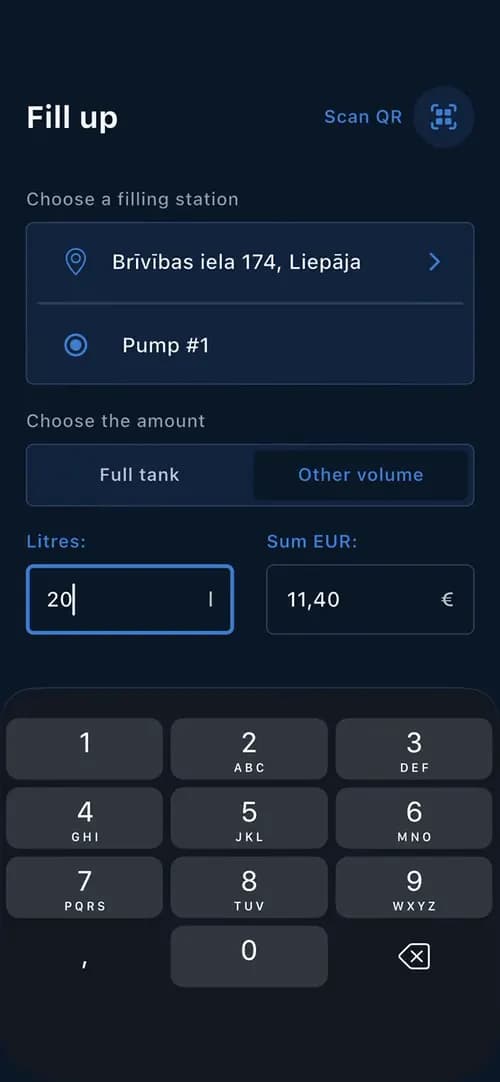
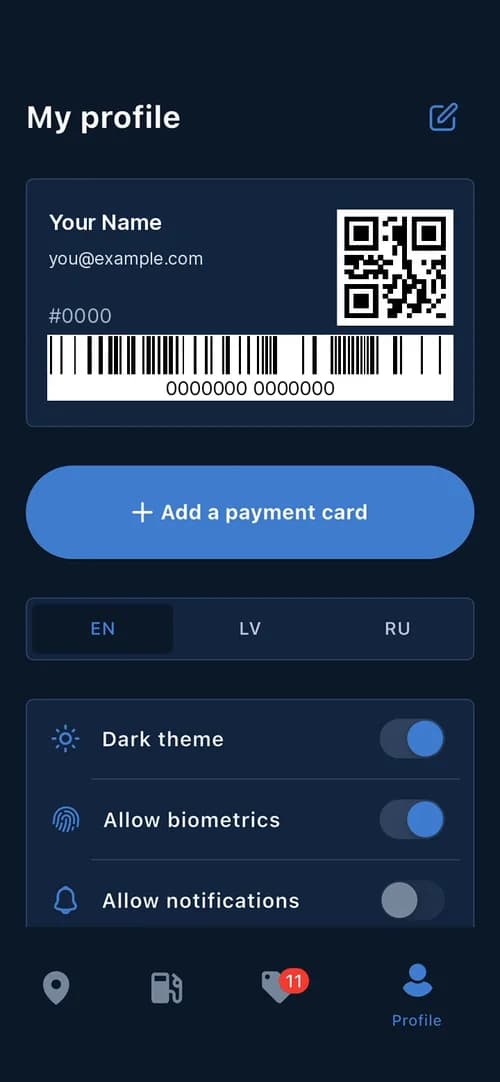
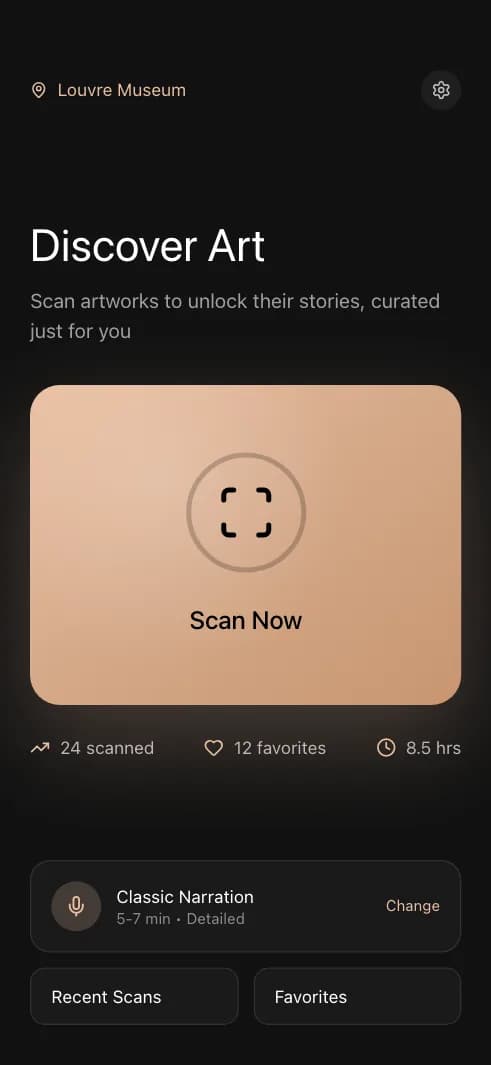
This is how Prenta went. It came to us as an idea and an AI prototype. Four rounds of clicking narrowed 195 screens to the best 10, and those became the app, with a backend and an admin panel behind it.
We cover the five usual blockers in more detail in I built my app with AI. What stops it from reaching the App Store?. Already rejected? Apple rejected my app. Why, and what now? goes through each guideline and what to do next.
How long does it take to get into the stores?
With us it goes in four steps, and you get a new build on your phone every week.
- Step 1Send us your app link, as it runs in the browser today
- Step 2A store-ready check against Apple and Google rules, then a fixed price
- Step 3The build: what works stays, what must be native is rebuilt native, on a real, secure backend
- Step 4The store listing and the review, done with you, in both stores
We can usually start about 2 weeks after signing. Our MVP, one core flow live in both stores, takes 8 weeks. A fuller product takes 8-12 weeks. FishPRO, for example, went from the first talk in April to both stores in June.
On a new personal Google Play account, start the closed test early. The 14 days can run while we build, not after.
How much does it cost with Codigee?
Prototype to Store starts from $15k, at a fixed price per milestone. You get an invoice per accepted milestone, and you can stop after any milestone.
- App already rejected or stuck? Start with an App Audit: $5-8k, a written report and a fixed plan.
- Scope still open? Prototype to Plan is $5k, takes 1-2 weeks and is 100% credited to the build.
- Every app we build has a 6-month guarantee after launch.
- You own the code, the cloud account and the store accounts.
All prices are on the pricing page. The full offer for this case is on AI prototype to the App Store and Google Play.
Where does AI fit on our side?
We build with AI too, because it makes us faster. AI tests every build and writes tests up to 100% coverage. Codigee experts review every line before it ships.
Staying after launch is normal for us. We have built StorySurf since 2021 and still run it for its 100,000+ users.
Prefer to do it yourself? See build it yourself, not alone: our free Skills pack and Ask us cover what AI tools tend to skip.
Common questions
01Can I publish a Lovable app to the App Store myself?
Yes, it is possible. Sync the code to GitHub, wrap it with a tool such as Capacitor and submit it from your own Apple developer account. The hard part is passing review: minimum functionality, account deletion, privacy details and payments.
02Does Apple reject apps that wrap a website?
Not always. Apple's guideline 4.2 asks for features, content and UI that go beyond a repackaged website. A wrapper with real app value can pass. Your site in a frame often does not.
03Are Bolt and Replit closer to the App Store than Lovable?
Yes. Both build mobile apps with Expo, so the result is a React Native app, not a web page in a shell. Replit's docs say it does not publish to Google Play yet, and both still need your developer accounts and a passing review.
04How much does it cost to get an AI prototype into the stores?
With Codigee, Prototype to Store starts from $15k at a fixed price per milestone. On top of that you pay Apple 99 USD a year and Google 25 USD once for the developer accounts.
05How long does it take?
We usually start about 2 weeks after signing. One core flow in both stores takes about 8 weeks, a fuller product 8-12 weeks.
06Do I keep the code and the store accounts?
Yes. You own the code, the cloud account and both store accounts. Apple expects the content provider to submit the app anyway.