App development cost calculator 2027: estimate your app in 2 minutes
This app development cost calculator is a table, not a form: find the row closest to your app, count what makes it bigger, and you have a range in two minutes. For projects starting in 2027, most apps we build cost $15-50k, and products like Prenta, Museo and FishPRO cost about $25-35k to build. Here is how to place your app, a worked example, what comes after launch, and how to turn the range into a fixed price.
 By Eryk Kruk, CEO
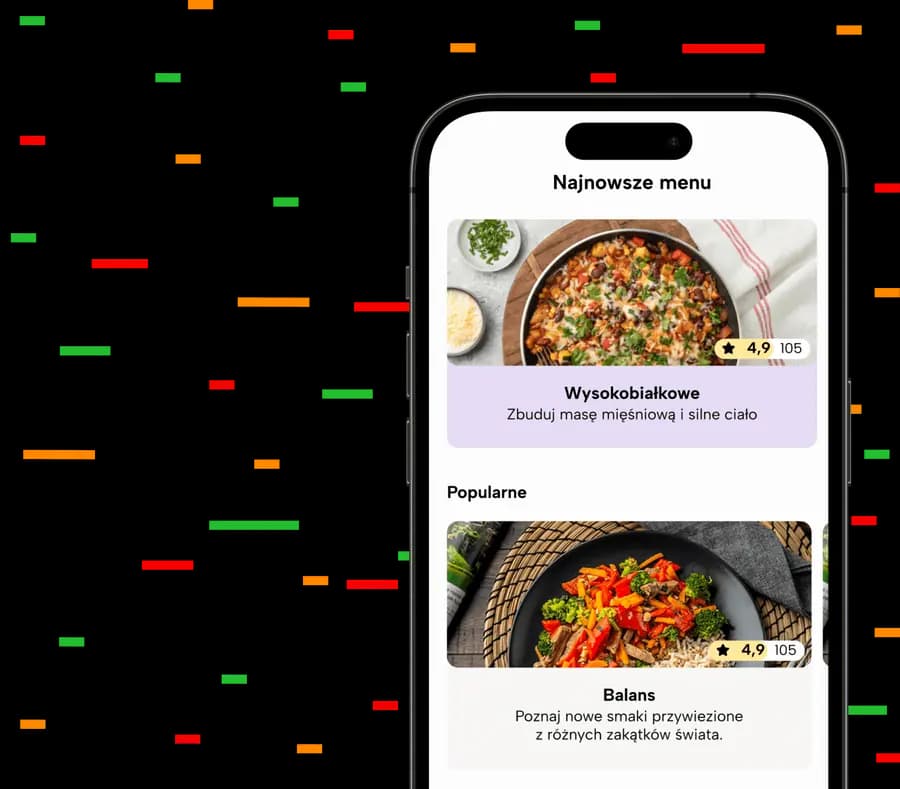
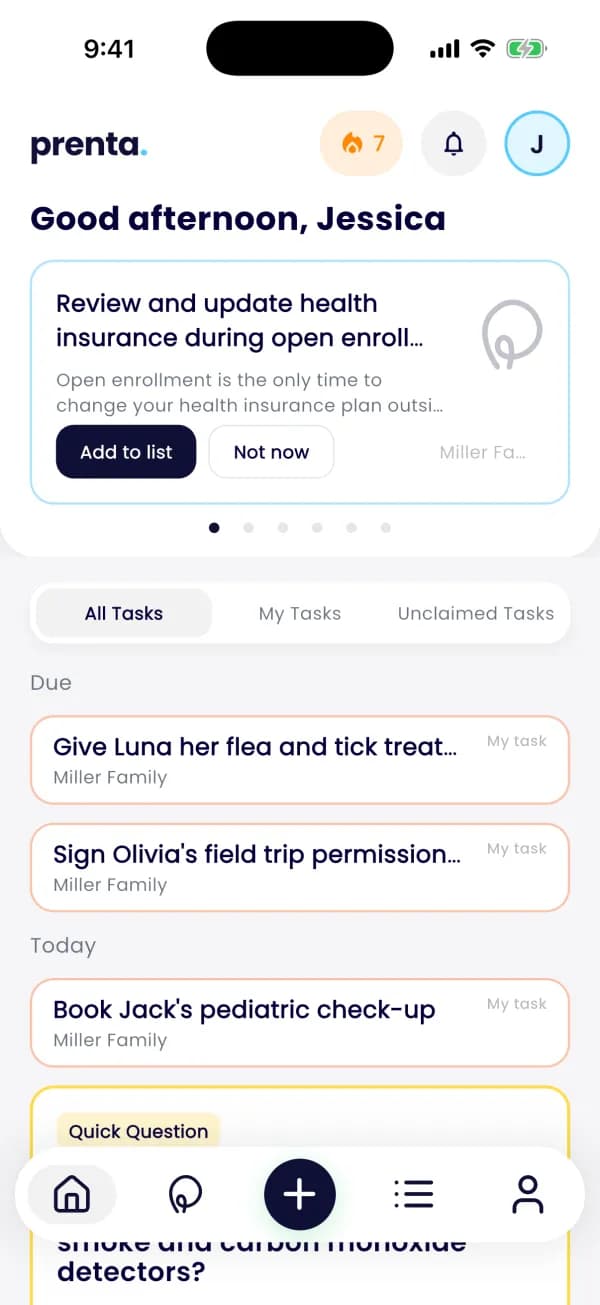 Prenta: home
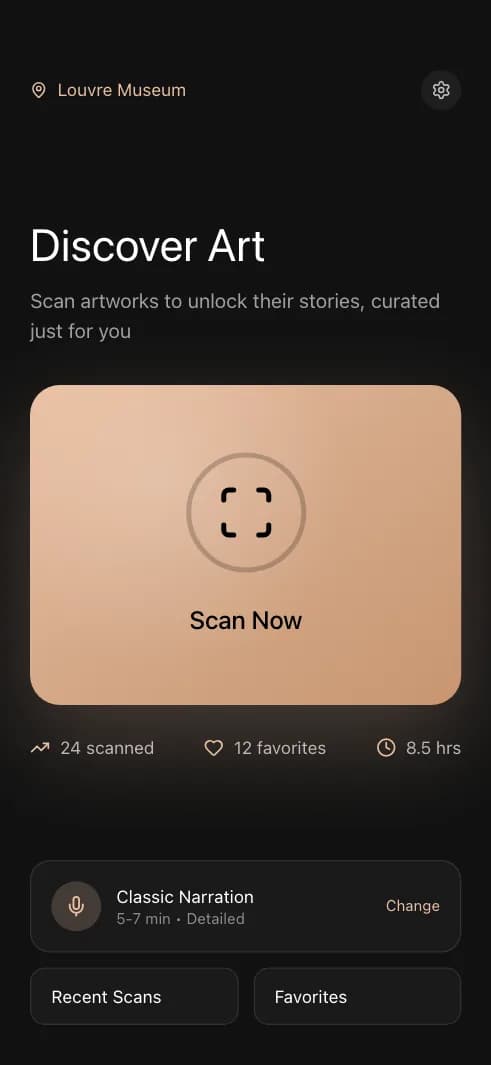
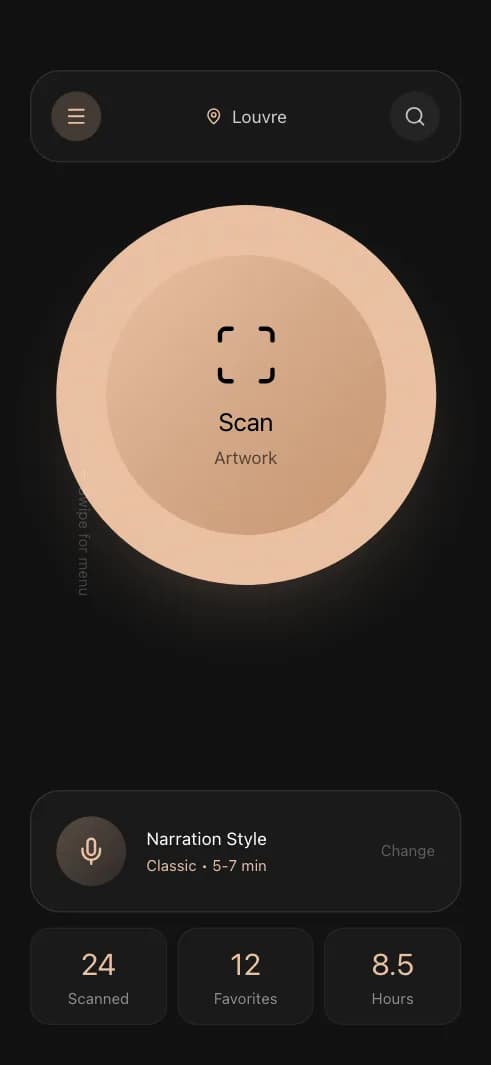
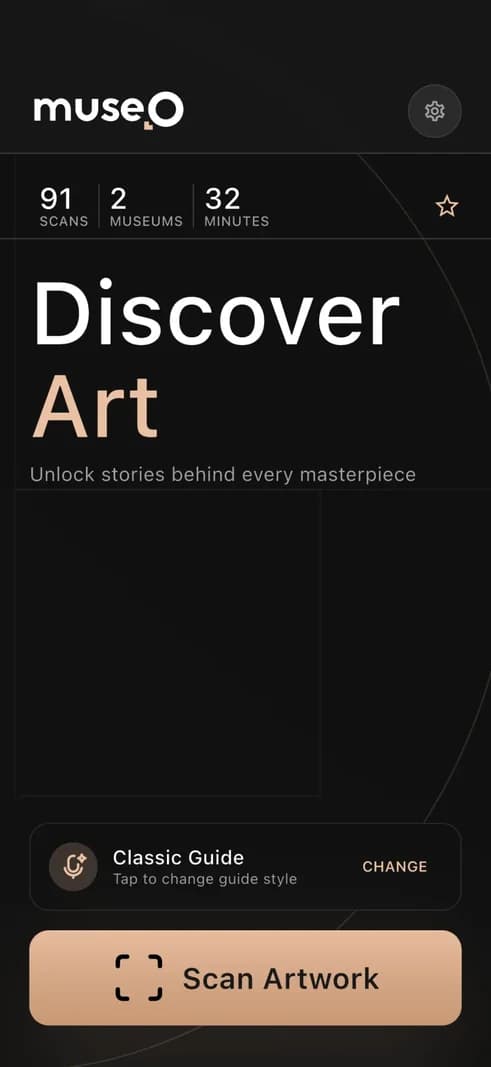
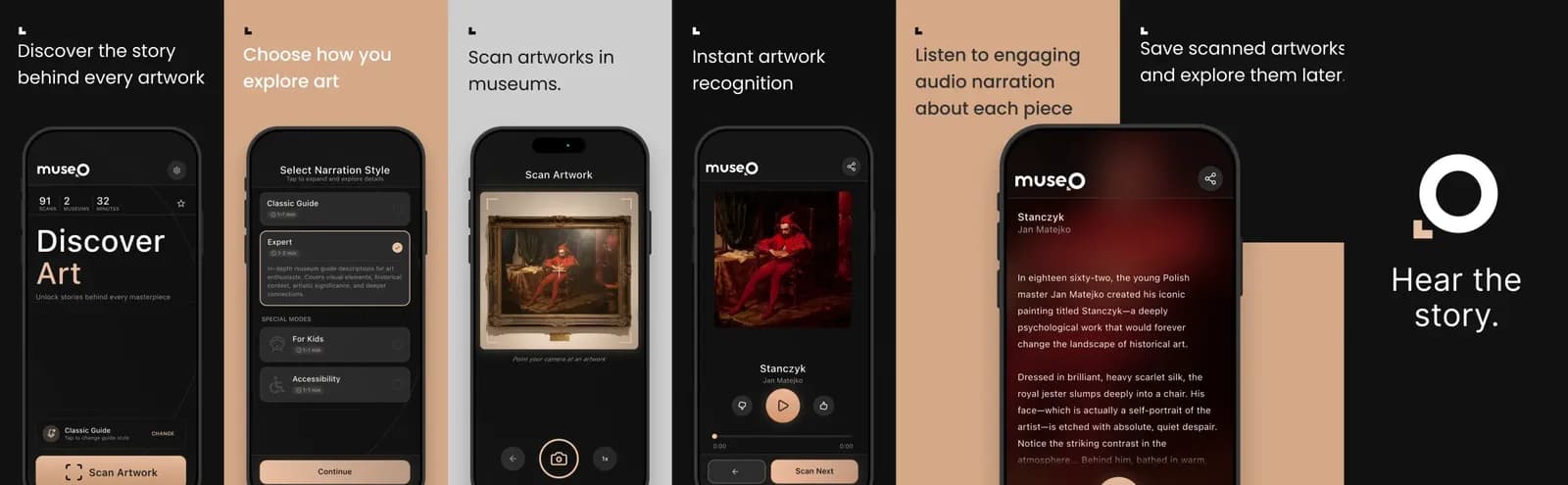
 Museo: artwork
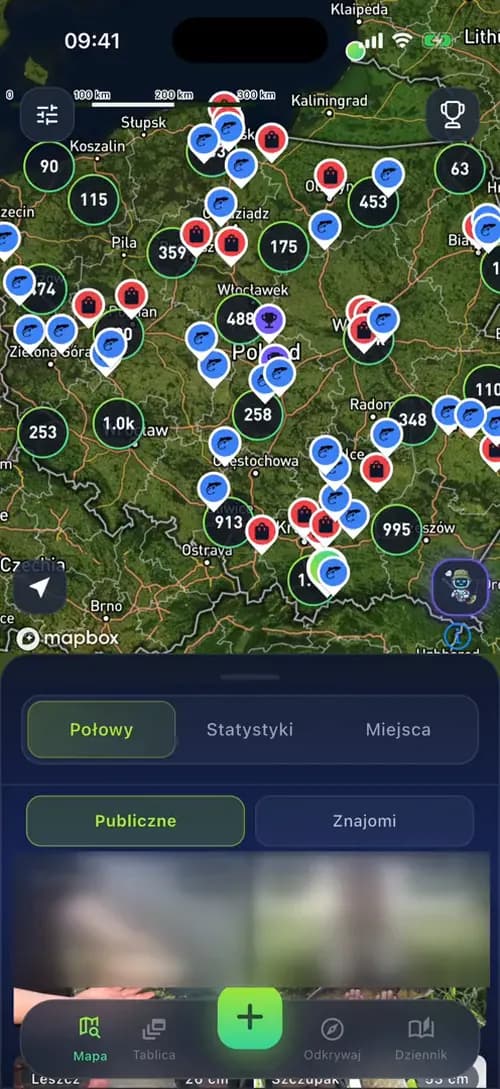 FishPRO: map
Short answer: an app with one core flow starts from $15k. A full product with an app, a backend and an admin panel, like Prenta, Museo or FishPRO, costs about $25-35k to build today. Bigger products, with links to your other systems, live features or 3D, sit closer to $50k. AI made the build much faster, and a senior engineer still reads every line.
"How much will my app cost?" Most online app development cost calculators answer with a long form, a range like $30k to $500k, and a request for your email. This page gives you our real prices instead, three apps we built to compare yours with, and a simple way to place your idea in the range yourself. No form, no email.
We used to offer an AI cost estimator on this page. We replaced it with what helps you more: published prices and real products you can open and compare.
How much will my app cost? Find your row
In short: Codigee builds an app with one core flow from $15k in about 8 weeks, a full product for about $25-35k in 8-12 weeks and a bigger product for $35-50k in about 12 weeks. Find the row that sounds most like your app. The prices come from our price list as of November 2026, in USD, and they apply to projects that start in 2027, with a fixed price for each milestone. The time is the build itself, from the first designed screen to the release in the App Store and Google Play.
Every app build includes Prototype to Plan, analytics and crash reports, and a 6-month guarantee. The first $5k of your $15k is Prototype to Plan. If you continue, it counts toward the build, so the total stays $15k. We usually start about 2 weeks after signing. Every price and what it covers is on our pricing page.
How do you calculate your app's cost yourself? Three steps
In short: you calculate your app's cost in three steps: start from your row, move up the range for each feature that adds real work, then add what the app costs to run. It takes two minutes and puts you in the right range. It does not replace a quote, but it tells you whether your budget fits before you talk to anyone.
- Step 1Pick your row. Most apps with user accounts, one main flow and an admin panel belong in the full product row, which starts at about $25k.
- Step 2Count the features that add work. Answer the seven questions below. None or one yes: you stay near $25k. Two or three: about $30-35k. Four or more: closer to $50k.
- Step 3Add the running costs. Store accounts, the cloud and, if you want it, care after launch. Next to the build they are small: the numbers are further down this page.
- Does the app take payments or sell subscriptions?
- Does it connect to systems you already use, such as a CRM, an ERP or a booking system?
- Are there several kinds of user, for example customers, staff and admins, who each see something different?
- Does it need live features, such as chat, live status or tracking on a map?
- Does it need several languages, or must it work offline?
- Does it need custom animation, 3D or a game inside?
- Does it have an AI feature, such as an assistant or image recognition?
An example: a class booking app for a gym, with sign-in, booking, card payments and an admin panel for the staff. Row: full product, about $25k. Yes answers: payments, and two kinds of user (members and staff). Two yes answers put it at about $30-35k.
What moves the price less than you might think: the number of screens. Ten simple screens can cost less than three screens with payments and a link to your ERP. An AI feature also adds a monthly bill for the model, which we break down in AI app development cost in 2027.
What pushes an app from the low to the high end of the range?
In short: seven decisions move an app from about $25k toward $50k, and each one is a choice you can make on purpose. The table shows what keeps a full product near the bottom of the range and what pushes it up. Read it as a menu: every row on the right is worth paying for in some products, and a first version rarely needs all of them.
A good rule for a first version: keep one decision on the right, the one that makes your product different, and move the rest to a later milestone. Each milestone has its own fixed price, so a feature you postpone is a feature you can still add, at a price you know before you start.
A second app on the same systems costs less, because the backend, the admin panel and the links to your systems already exist. For Pieprzyk, the second app cost 70% less than the first.
Worked example: one app, priced feature by feature
In short: a booking app for a chain of five beauty salons lands at about $30-35k to build and about $124 in store fees in its first year, before any care plan. This is an example to show the method, not a client project. Here is how the number comes together, row by row.
The idea: clients book a visit in the app, pay a deposit by card, get a reminder the day before and collect points for a free treatment. The salon staff see their day in the admin panel, and the bookings land in the booking system the chain already uses.
- Row. A full product: accounts, one main flow (booking), an admin panel. Start at about $25k.
- Yes 1: payments. A card deposit at booking.
- Yes 2: your systems. Bookings go to the salons' existing booking system.
- Yes 3: kinds of user. Clients and salon staff see different things.
- No to the rest. No chat, two languages, no 3D, no AI in the first version.
Three yes answers put the build at about $30-35k. The exact number depends on one detail no table can see: whether the booking system has an API. That is the first thing Prototype to Plan checks.
What would push this example toward $50k: a loyalty card shared with the chain's online shop, live chat with the salon, or several languages for tourist areas. What would bring it toward $15k: launching with booking only, and adding payments and points as the next milestones.
What does $25-35k build today? Three real products
In short: $25-35k builds a complete product, not a demo. Prenta, Museo and FishPRO each have an app for iOS and Android, a backend, an admin panel and an AI feature inside. Built today, with AI in our process, a product of this size costs most of our clients about $25-35k. Big extras, such as FishPRO's mini-game, are milestones with their own price.
Prenta: from an AI prototype to a household app
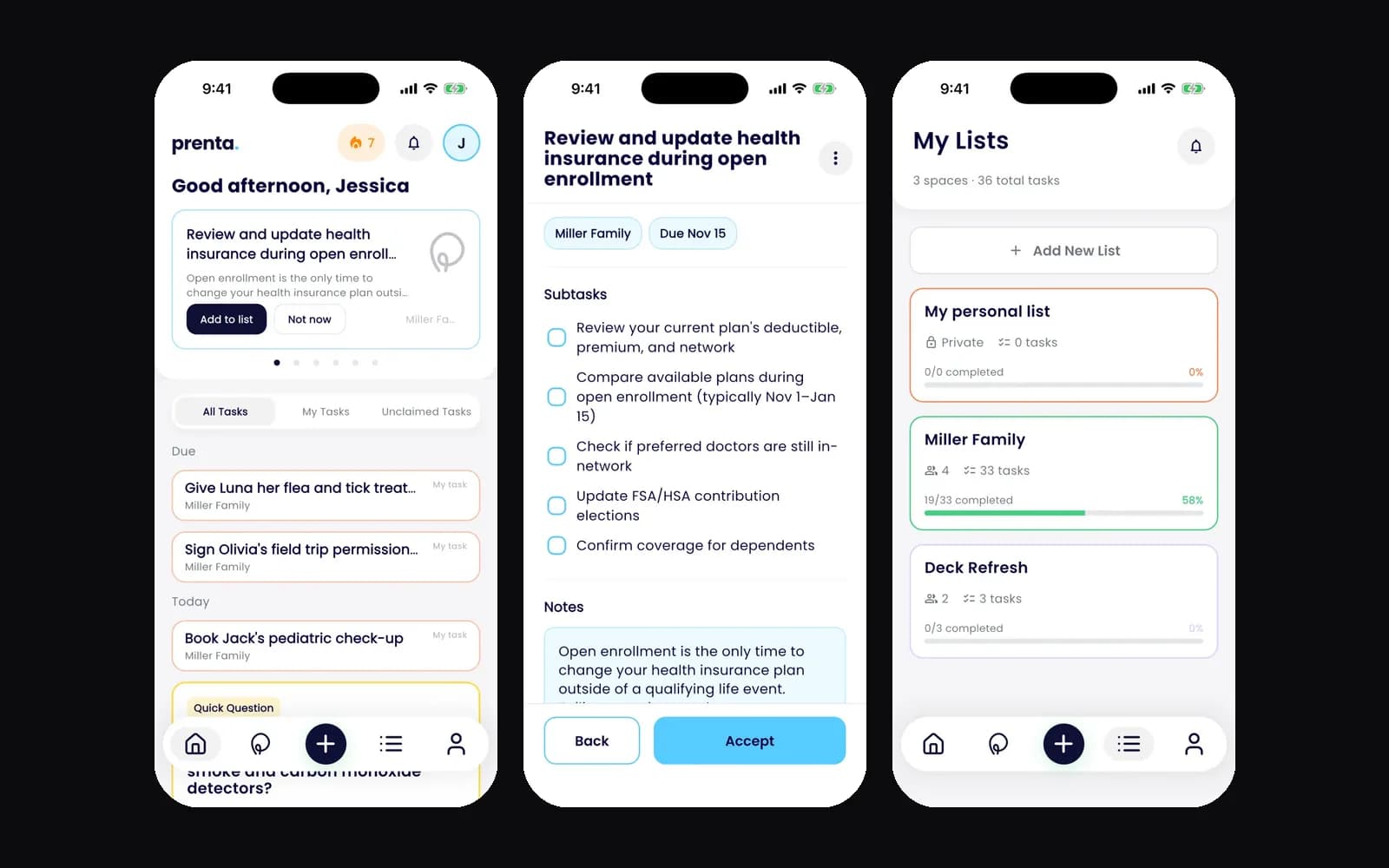
The problem. Erika, Prenta's founder, came to us with an idea and an AI prototype, but no product. What we did. We clicked through 195 prototype screens with her in four rounds and kept the best 10. Then one team built six parts: the iOS and Android app, the backend, an admin panel her team edits in chat over MCP, a calendar agent that turns upcoming events into prep tasks, the emails and the website. The result. One shared list for the whole home, tips that come with their steps, Siri on iPhone and no notifications at night.
Museo: an AI museum guide, live in about 3 months
The problem. A museum that wants a digital guide usually faces months of writing, recording and an IT team it does not have. What we did. We built one ecosystem of six components, including Flutter apps for iOS and Android, a Next.js admin panel and an AI pipeline. A visitor points the phone at a painting, the app recognizes it in about 100 ms and plays its story. The result. The app speaks 28 languages, the narration 20+, and it meets WCAG 2.1 AA, the common standard for accessibility. From concept to a live product took about 3 months.
FishPRO: a fishing app with a map, a forecast and a web panel
The problem. Anglers needed one app for the catch, the spot and the forecast. What we did. We built a catch log, a map of catches, fisheries and tackle shops, a 14-day bite forecast and an AI assistant that knows where you are. Fishery and shop owners run their places from a web panel with 60+ screens. The result. The first version reached the stores in 2 months, in 2023. Today the app speaks five languages, sells subscriptions in both stores and is rated 4.5 in the App Store (as of November 2026).
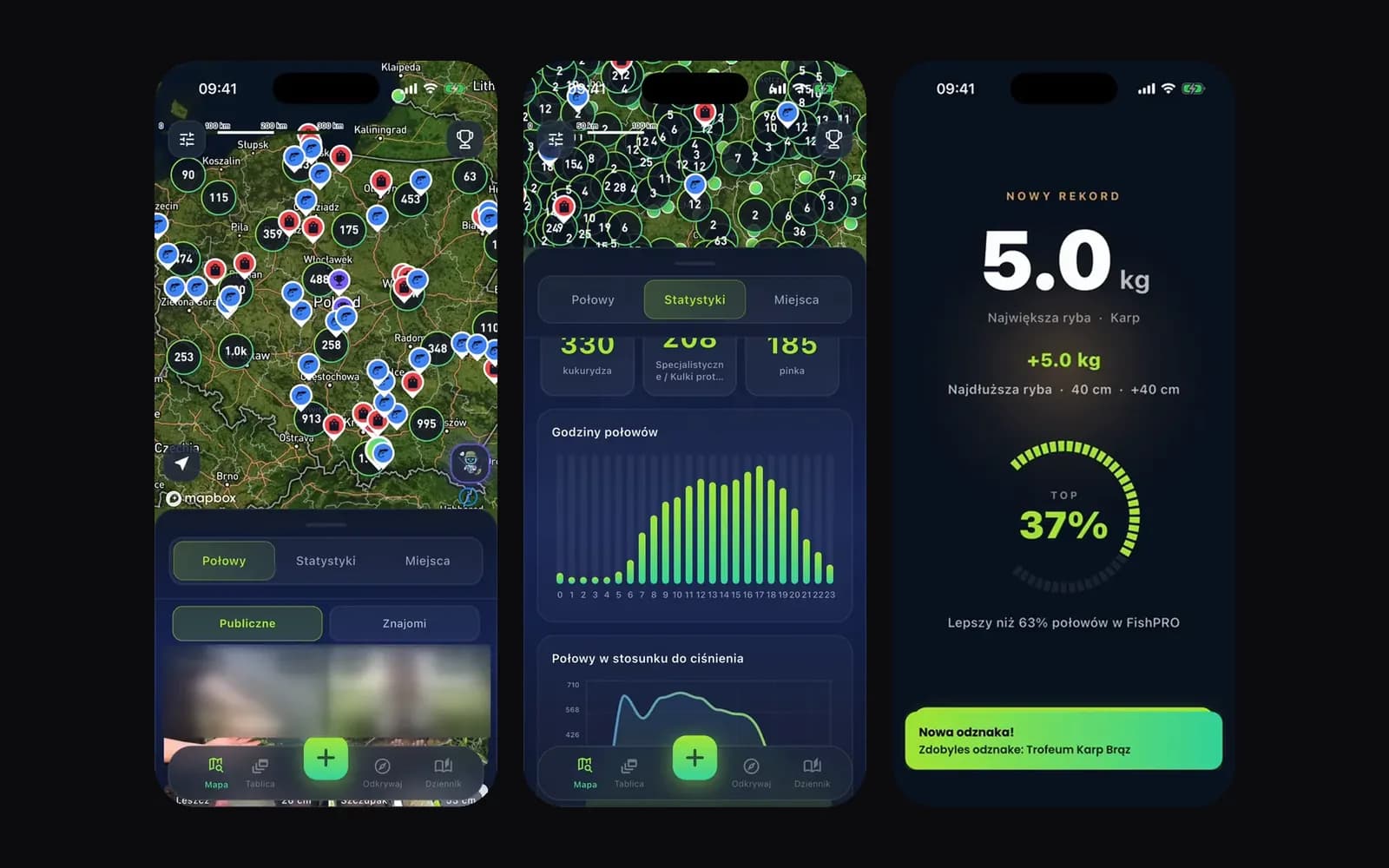
Read the full stories of Prenta, Museo and FishPRO. What this means for your estimate: if your idea is about this size, you now have a number and three products to point at. Tell us which one is closest to yours, and we tell you what is different.
How long does it take to build an app, week by week?
In short: a full product takes 8-12 weeks from the first designed screen to the release in both stores, after a start about 2 weeks from signing. You get a new build on your phone every week, so you see the app grow. This is how a typical 12-week App Launch runs.
Two store rules are worth knowing before week 1. Apple asks an organization for a D-U-N-S Number, a free company ID from Dun & Bradstreet, so request it early if your company does not have one. Google Play asks new personal developer accounts for a closed test with at least 12 testers for 14 days before the app can go live, so a company account is usually the faster path.
A lean MVP with one core flow takes about 8 weeks. To see how a build runs day to day, read how we work.
Why does an app take less time to build now? AI in a senior team
In short: AI took over the slow, repetitive parts of the work, so a small senior team ships a full product in 8-12 weeks. The price follows the time. What AI did not change: an experienced person still decides what to build and reads every line before it reaches your phone.
- Prototypes in days. A clickable prototype of your key screens used to take weeks. Now we click through versions with you in days, so the expensive decisions are made before the build starts.
- Tests on every build. AI helps write the automated tests, and they run on every new version. Bugs show up in review, while the fix is still small, not after launch.
- Less routine code by hand. Sign-in, forms, admin screens and data models are work every app needs. AI drafts them, a senior reviews them, and the team spends its hours on what makes your app different.
- A new build on your phone every week. You see progress and can change direction early, when a change costs the least.
This is why we can build most products like Prenta, Museo and FishPRO for about $25-35k. It is also why our builds still start at $15k: AI writes code faster, but design, decisions and review are still senior work. What else drives the price, and what AI does not change, is in How much does it cost to build an app in 2027?.
Why do online app cost calculators give such different numbers?
In short: most online calculators multiply estimated hours by an hourly rate, and both numbers are guesses made before anyone has seen your idea. So the same app comes out at $30k on one site and several times more on another. A calculator is a good first filter. It cannot tell you what your app will really cost.
- They count features, not the hard parts. A checkbox for payments does not show whether you sell subscriptions in two stores or connect to an old ERP.
- The rate decides more than the app. The same hours at a different rate give a different total, so the result says more about the agency than about your app.
- Many ask for your email first. The real number then comes in a sales call anyway.
- They give a range, not a fixed price. If the work takes longer, you still carry the risk.
What to ask any team instead, us included: a fixed price for each milestone, the right to stop after any milestone and pay only for finished work, your own accounts and code from day one, and real apps they shipped at your size. If you only have an idea so far, see how we take an app idea to the stores.
What are the most common mistakes when estimating an app?
In short: most wrong estimates come from counting screens instead of hard parts, and from budgeting the build but not the first year. These seven mistakes are the ones we see most often in briefs and in quotes from other teams. Each one has a simple fix.
- Counting screens. Ten simple screens can cost less than one payment flow. Count the seven questions above instead.
- Forgetting the parts users never see. A backend and an admin panel are part of almost every real app. A quote without them is a demo.
- Building everything in version one. One core flow done well reaches the stores sooner. The rest becomes the next milestones.
- Ignoring the first year. Store accounts, store fees, the cloud and the yearly Apple and Google updates come every year, even if they are small next to the build.
- Comparing hourly rates instead of totals. A lower rate with no fixed milestones can end up costing more. Ask for a price per milestone and the right to stop after any one.
- Treating AI as free. AI makes the build faster, but an AI feature in your app has its own monthly bill for the model.
- Leaving the store accounts to the last week. Company verification and Google's testing rule for personal accounts can add days or weeks to the release.
Comparing two quotes right now? Our guide to fixed price vs time and materials shows what each model means for your risk, and how to choose a software development partner lists the questions to ask before you sign.
What does an app cost after launch?
In short: an app costs little after launch, compared with the build. You pay the stores for developer accounts ($99 a year to Apple, $25 once to Google), a share of digital sales if you sell inside the app, the cloud for your servers (for the apps we build, often about $0 a month up to a few hundred thousand users), the AI provider if the app has an AI feature, and a monthly care plan from $2k if you want us to look after the app. All accounts are in your company's name.
Sources, all read on November 19, 2026: Apple's membership page, Apple's Small Business Program, Apple's upcoming requirements, Google's Play Console help, Google Play service fees, Google Play's target API rules and Android's 16 KB page size guide. Apps we build also come with a 6-month guarantee: for the first 6 months after launch, our own bugs are on us.
How do you get a real number for your app?
In short: to get a real number for your app, send Codigee your idea, your prototype or your website, with one sentence about what the app should do. A senior engineer, the kind of person who would build it, answers with an honest range and which row of the table your app fits.
If you want a fixed price, the next step is Prototype to Plan: 1-2 weeks, $5k, credited 100% to the build. You get your key screens to click on your phone, the full screen list, the tech plan and a fixed price for every milestone. If you decide not to build with us, you can take the plan to any team.
Already have a prototype from Lovable, Bolt or Replit? It is the best brief you can bring. See how we take an AI prototype to the App Store and Google Play. Starting from a website instead? Compare a website to app converter with your own app first.
Common questions
01Is there a free app development cost calculator?
Yes: the table and the three steps on this page. They use our real prices as of November 2026, valid for projects starting in 2027, and ask for no email. For a fixed price, send us your idea and we answer with a number.
02How accurate is an app cost calculator?
It gets you to the right range, not to a fixed price. The exact number depends on details no form can see, such as how your payments work or what your ERP allows. That is why we fix the price of each milestone only after Prototype to Plan.
03Can I build an app for less than $15k?
Not with us: our builds start at $15k, because design, a senior team and the store release are part of every app. For less, Prototype to Plan gives you a clickable prototype and a plan for $5k, and our free skills pack on the Build with AI page helps if you build the app yourself.
04How long does it take to build an app like Prenta, Museo or FishPRO?
Usually 8-12 weeks for the build, after 1-2 weeks of Prototype to Plan. Museo went from concept to a live product in about 3 months, and the first version of FishPRO reached the stores in 2 months.
05Did AI change what an app costs?
Yes, mostly through time. Prototypes take days, tests run on every build, and AI drafts the routine code that a senior then reviews. That is why a full product like Prenta, Museo or FishPRO now costs about $25-35k to build. Our builds still start at $15k, because design and review are still people's work.
06What is included in the price of an app?
Prototype to Plan, the iOS and Android app, the backend on your own cloud account, the admin panel you can talk to (MCP), analytics and crash reports, the release in both stores and a 6-month guarantee. You pay a fixed price for each milestone and can stop after any of them.
07How much does an app cost per year after launch in 2027?
Store accounts cost $99 a year for Apple and $25 once for Google. The cloud often costs about $0 a month at launch for the apps we build. On top come store fees on digital sales, an AI bill if the app has an AI feature, and, if you want it, care from $2k a month after the 6-month guarantee.
08Does an app for only iOS or only Android cost less?
Not with us. We build both from one Flutter codebase, and every price on this page already includes the iOS and the Android app.
09Will app prices go up in 2027?
Our prices on this page are as of November 2026 and apply to projects that start in 2027, with a fixed price for each milestone agreed before work starts. What changes in 2027 are the store rules: from April 2027 Apple requires the iOS 27 SDK for uploads (announced September 9, 2026), and Google usually announces its new target API level in the summer.
Was this article useful?
4.7 / 5 · 3 ratings