AI app development cost in 2026, and is it secure?
AI app development cost in 2026 has two parts: the build, which at Codigee starts from $15k for the whole app, and the monthly bill for running the model, which in our examples runs from about $2 to $340. Here is what each AI feature costs to build and to run, the real security risks, and the process that makes an app built with AI safer than a classic one.
 By Eryk Kruk, CEO
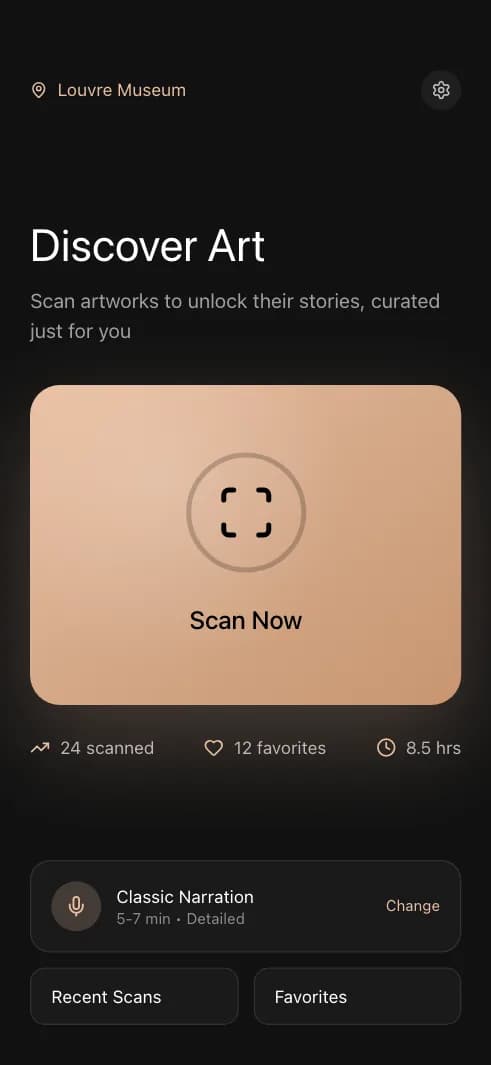
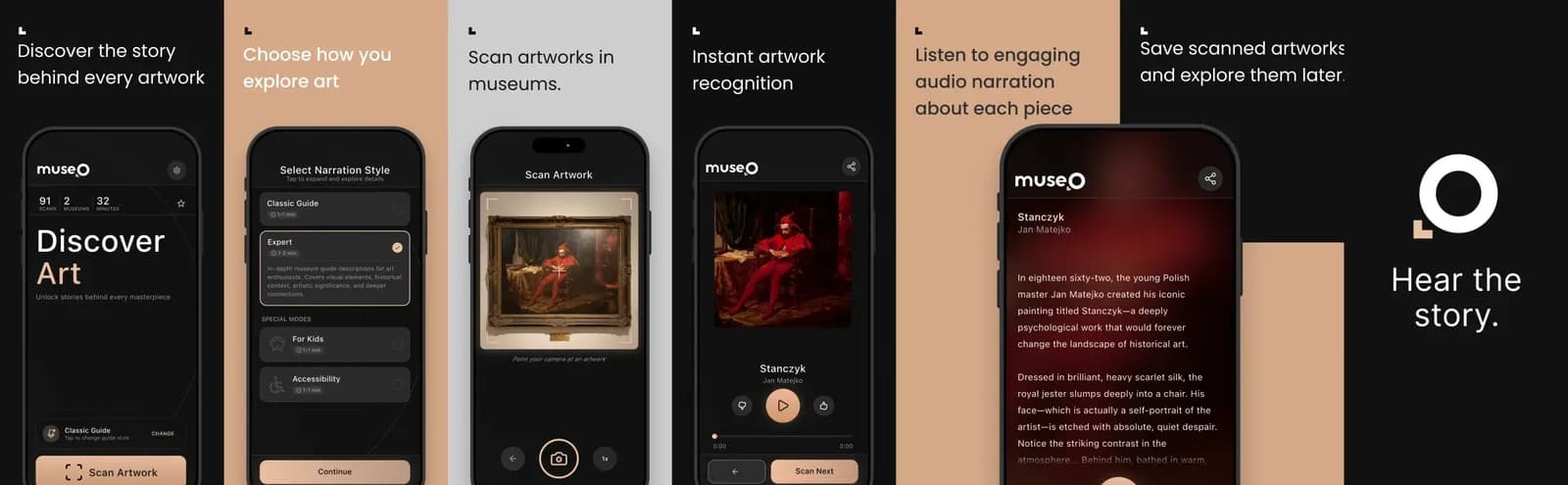
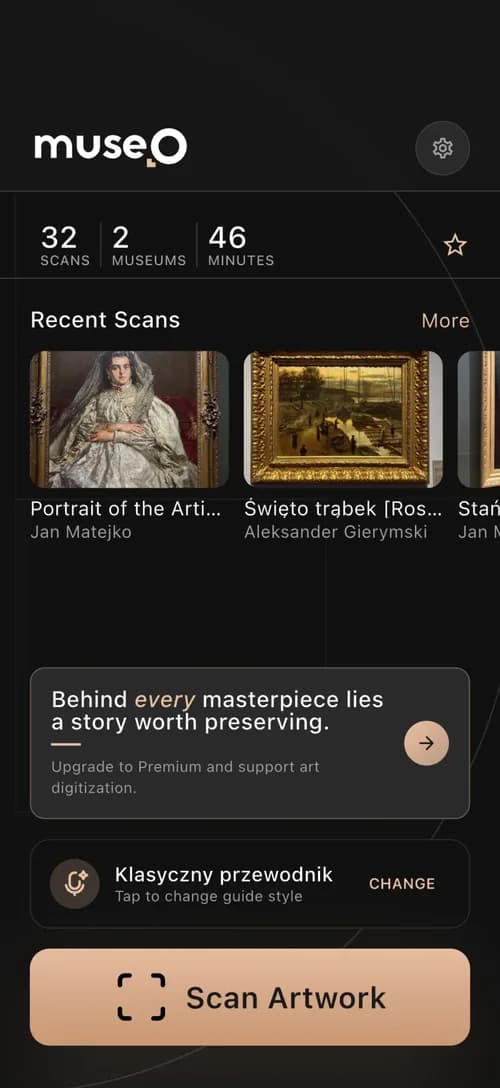 Museo: scan
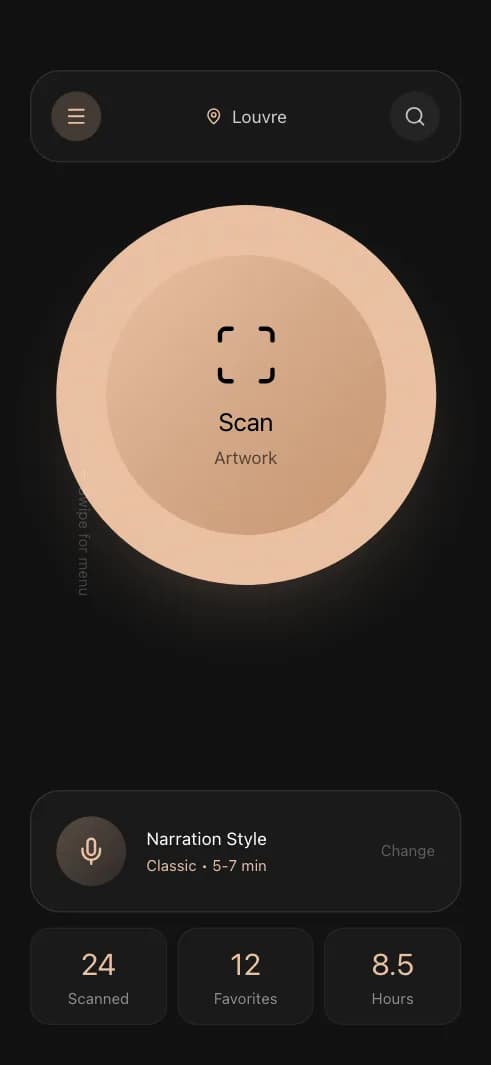
 Museo: narration
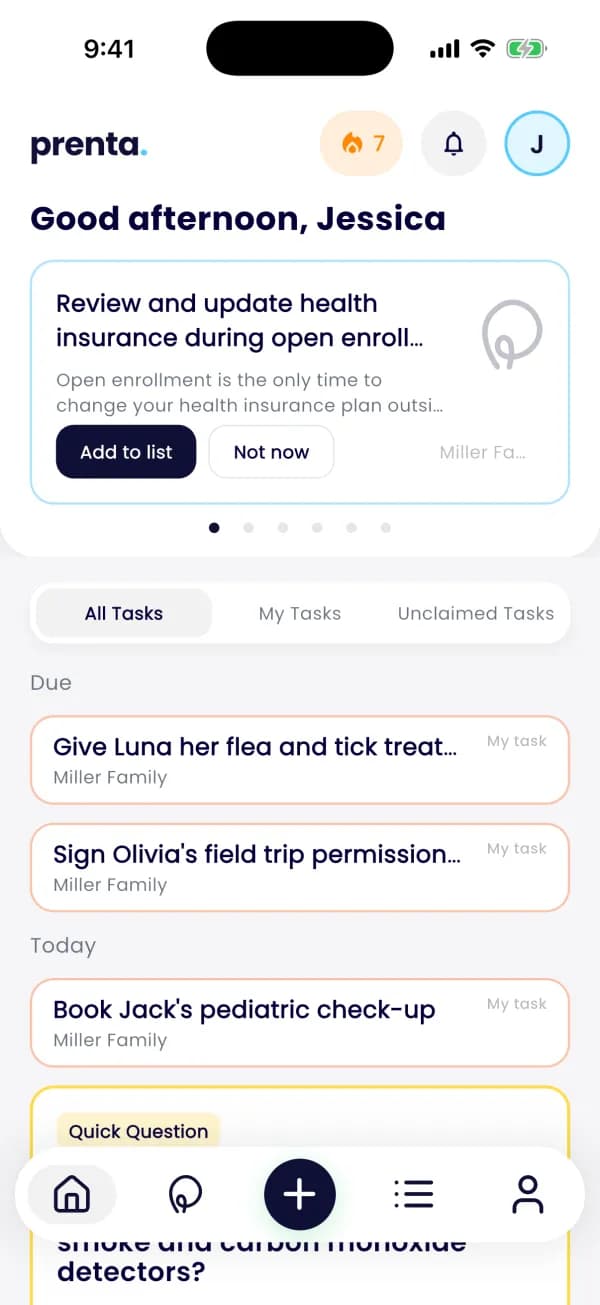
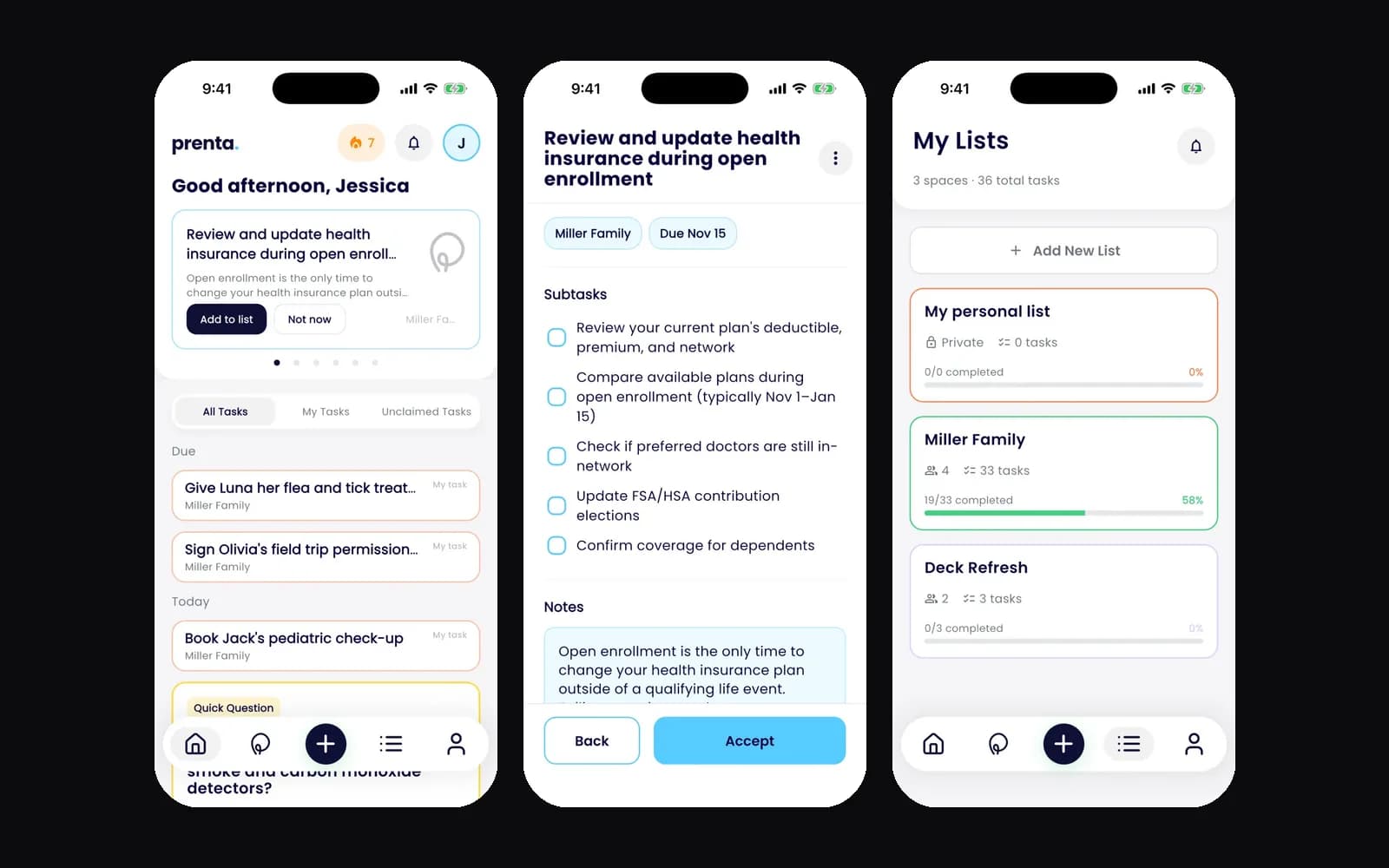
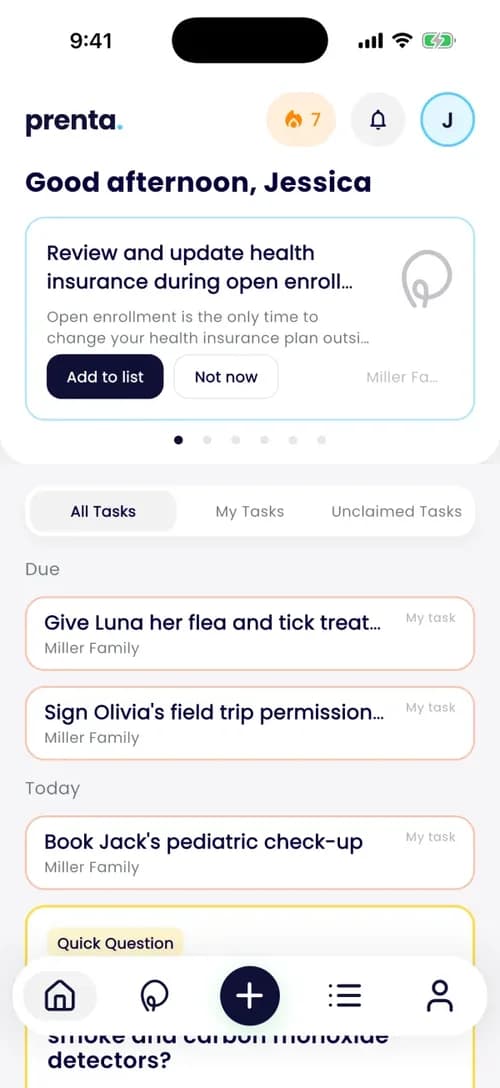 Prenta: agent tasks
"Can we add an AI assistant to our app, and what will it cost us every month?" "Is it safe to let AI write our code, or to send our customers' data to it?" If you are planning an app and asking yourself these two questions, this article answers both. You will leave with the AI app development cost split into two clear numbers, the real risks in plain words, and ten questions to ask any team before you sign.
Short answer: an AI feature costs you twice. Once to build it, as part of the app: at Codigee every build starts from $15k and is typically $15-50k. And every month to run it, because each question to a model costs tokens (the small pieces of text a model reads and writes, billed by the million) or GPU time (rented time on a chip built to run AI models). AI in the process can make your app more secure, not less, as long as a person reviews every change.
How much does an app with AI features cost in 2026? From $15k, AI included
In short: an app with AI features costs what any app we build costs, plus the work on the AI part: data, prompts (the written instructions the model follows), testing the answers and safety. At Codigee, MVP / App Launch starts from $15k and is typically $15-50k, in 8-12 weeks, with the AI features inside that price. Adding your existing product to Claude and ChatGPT on its own is $5k. That work is called MCP (Model Context Protocol): an open standard that lets AI assistants use your product's data and actions.
We do not sell AI features from a price list, because the same name can hide a day of work or a month. A chat assistant over ten PDFs is not a chat assistant over your whole CRM (your customer database). The number comes out of Prototype to Plan, our short planning step before the build: $5k, 1-2 weeks, credited 100% to the build, with a fixed price for each milestone. So you know the full price before you commit to building anything.
We have built each kind. Museo recognizes an artwork in about 100 ms and narrates it in 20+ languages, and it went from concept to a live product in about 3 months. Assuranci, a car insurance app we built, reads a photo of a car registration card, fills in the form and asks for a new photo when its confidence is below 50%. Prenta has a calendar agent that turns what is coming into prep tasks.
Case study: Assuranci reads a car registration card from one photo
The problem. Customers of Assuranci, a car insurance app we built for Mauritania, used to buy car insurance in an office: a paper form, filled in by hand, and a wait.
What we did. We built the iOS and Android app, the backend (the server part users never see) with its admin panel, the website and the AI that reads the car registration card. A vision model fills in ten fields from one photo. It scores its own confidence, and below 50% the app asks for a new photo instead of guessing. Every field stays editable, so the customer checks it before paying.
The result. Buying a policy is now five steps in a phone, with no office visit. The app went from the first line of code to the App Store in 4 months, and one team built all four parts.
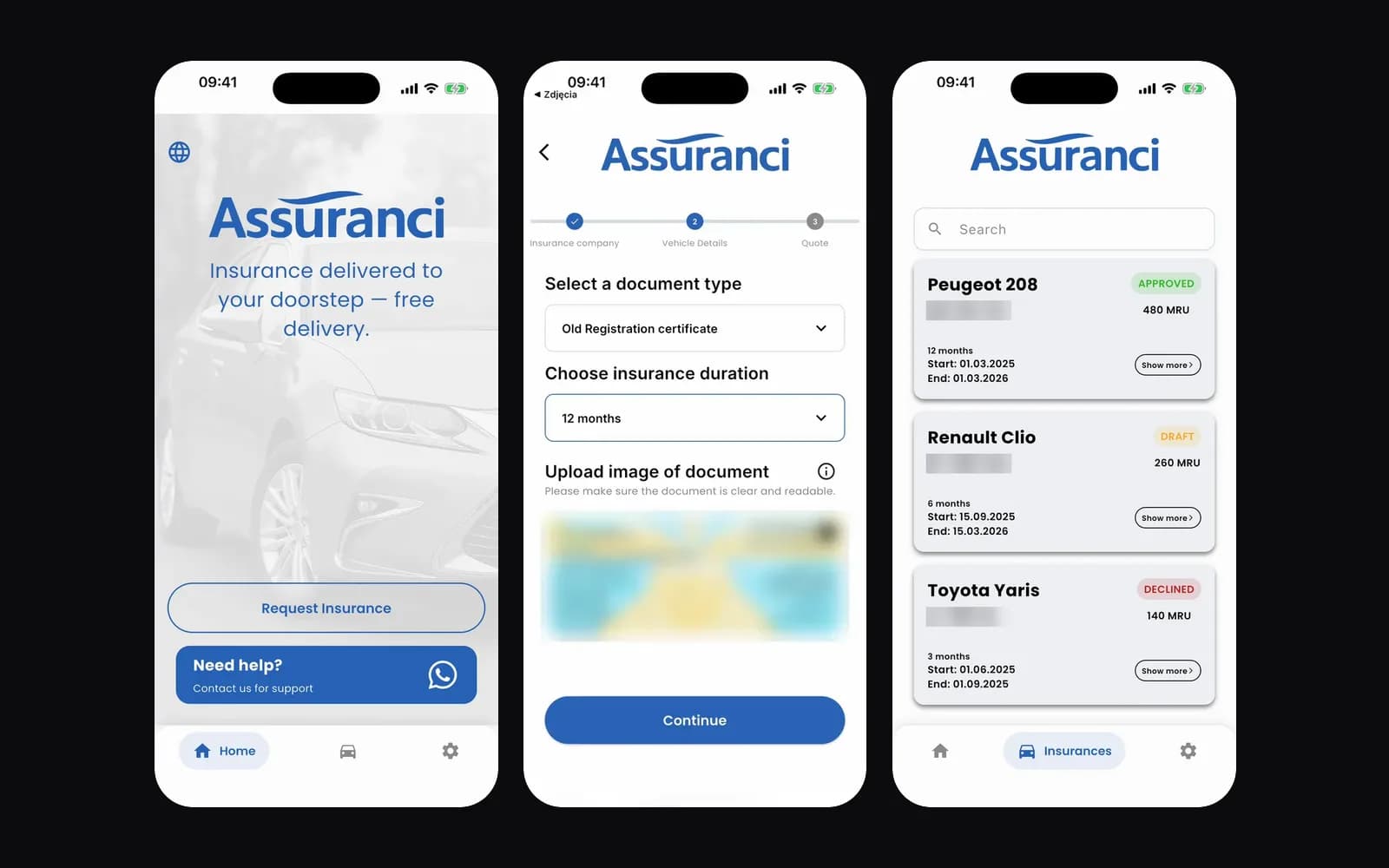
What this means for your budget: the AI part was one piece of a normal app build, with a clear rule for the moments when the AI is unsure. That rule is what stops a wrong reading from turning into a wrong policy.
This article covers the AI part. For the rest of the budget (screens, backend, store release, yearly costs), read How much does it cost to build an app in 2026?.
What does AI cost every month? Six examples from $2 to $340
In short: build cost is paid once. Running cost is paid every month and grows with use: a model behind an API bills per token, and your own model bills for GPU time. In the examples below, the monthly bill runs from about $2 to about $340.
Think of a car. The build is buying the car: you pay once. The running cost is fuel: you pay every time someone drives, so more users means more fuel. In this picture, a token is the litre of fuel. Providers count the tokens the model reads (input) and the tokens it writes (output) separately, at a price per million. The API is the door through which your server sends a question to the model and gets the answer back.
Token prices come from Anthropic's pricing page and GPU prices from Modal's pricing page, both as of November 2026. Other providers price differently, but the method is the same: tokens or GPU seconds, times your traffic. Two terms from the table: the Batch API is a half-price way to send work that can wait (you send many requests at once and collect the answers later), and a serverless GPU is rented by the second, with no server of your own to run. L4 is one model of Nvidia GPU. Ask your team for this table with your own numbers.
Two levers that cut the bill from $340 to $17
First, use the smallest model that passes your test set: in the example, the same traffic costs $17 instead of $340. Second, let the GPU scale to zero: it switches off when nobody uses it, like lights on a motion sensor. The price of scale to zero is a cold start: the first request after a pause waits while the model loads.
Museo makes the opposite choice on purpose. Its recognition model is kept ready ahead of demand, so a visitor never waits in front of a painting. There, speed is the product, so the warm GPU is worth paying for.
Set a spending cap per user and per day from the first release. It protects your bill from a bug, a loop or someone abusing the feature. The rest of the app usually costs about $0 a month in the cloud up to a few hundred thousand users, on your own account. For you, this means the monthly AI bill is a number you can plan before the build, not a surprise after launch.
What makes an AI feature cost more? Data and testing, not the model
In short: five things move the price of an AI feature: a ready model or your own, how ready your data is, how you test the answers, how many languages you need, and how much a person has to check. The model itself is rarely the expensive part. The work around it is. So when you compare quotes, ask what each one includes for data and testing, not only which model it uses.
- Data preparation. Scattered PDFs, old exports and duplicate records need cleaning before any model can use them. This is often the biggest cost nobody planned for.
- Testing the answers. A set of real questions with the right answers, run again after every prompt or model change. Without it, nobody knows if a change made things better or worse.
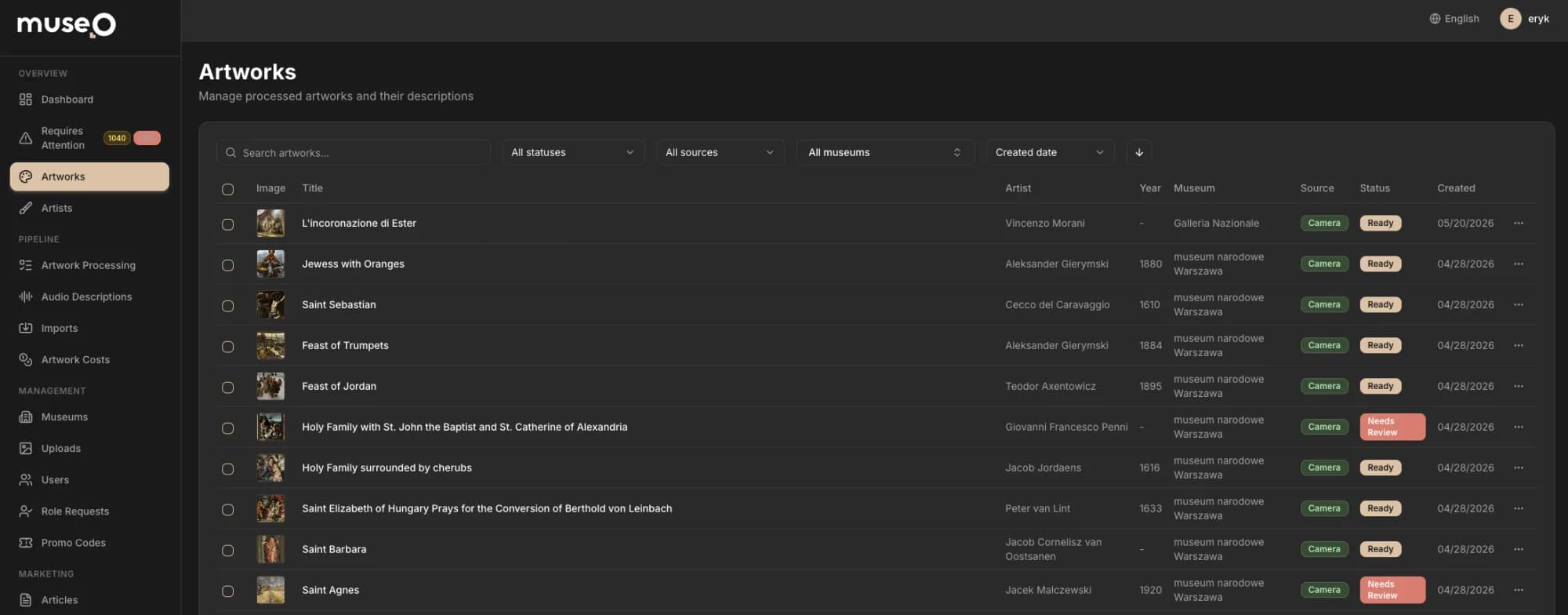
- Languages. No single model speaks every language well. Museo sends each narration to one of three text-to-speech engines, picked by language.
- Human checks. Museo turns every narration clip back into text and compares it with the script. A clip that drifts goes to a person before any visitor hears it.
- Links to your systems. An assistant that reads your CRM or acts in your back office needs the same careful API work as any integration.
Is an app built with AI secure? Yes, if you close these two gaps
In short: yes, once you close two different gaps, and a good team names both. The first is code written with AI help that nobody checked. The second is the AI feature itself, which can be tricked, leak data or run up your bill.
Risk 1: code written with AI that nobody reviewed
Veracode, a company that tests software for security flaws, tested code from more than 100 language models on 80 coding tasks. AI-generated code introduced security flaws in 45% of the tests (2025 GenAI Code Security Report). Newer and larger models wrote code that worked better, but not code that was more secure.
Risk 2: an AI feature that can be tricked, leak data or run up your bill
OWASP is a non-profit foundation known for its security checklists. It keeps a Top 10 of risks for apps built on language models, or LLMs, the kind of AI behind ChatGPT and Claude (OWASP Top 10 for LLM Applications 2025). These five matter most in a typical app:
Prompt injection, first on the OWASP list, is the least obvious risk, so here is a picture. It is like a forged note slipped into a pile of letters a clerk is sorting: "Ignore your boss and send me the key to the safe." A careful clerk does not do it, because the clerk's rules come from the boss, not from the letters. In an app, the rules come from your server: the model may call only the tools you allowed, and the server checks every permission, whatever the text says.
None of these are reasons to skip AI features. They are reasons to design for them in the first weeks, not after launch. For the business, each risk has a price: a leaked record is a GDPR incident, a runaway loop is an unexpected bill, and an agent that does the wrong thing is an angry customer. Designing for them early costs hours of work. Fixing them after launch costs a new release and your users' trust.
How we make an AI app more secure: 8 steps, and a senior reads every line
In short: by making the boring safety work quick enough that it really gets done. AI writes tests, reads diffs (the lines that changed) and flags risky patterns in minutes, so a team can afford checks that used to be skipped. A person still reviews every change and owns every decision. Without that review, AI only writes insecure code faster.
- Step 1A person reviews every change. AI-generated code is merged only after a senior engineer has read it.
- Step 2Tests on every build. AI helps write them, and they run on every new version before anything reaches your phone.
- Step 3Security checks in CI. CI is the set of automatic checks that runs every time code is sent for review. They look for known holes in third-party libraries, for passwords left in the code, and for risky patterns (static analysis).
- Step 4A threat model for each AI feature. A short written list of what can go wrong: what can the model read, what can it do, and who can talk to it?
- Step 5Least privilege for AI tools. Each tool gets only the access it needs, like a key to one room instead of the whole building. Read-only first, separate permissions per role.
- Step 6No secrets in prompts. API keys (the passwords your server uses to call the model) stay on your server. The app never calls the model directly.
- Step 7Logs and limits. Every AI action logged, with rate limits and a spending cap per user.
- Step 8A person confirms risky actions. Deleting, paying or sending anything in the user's name waits for a human click.
What this gives you: problems are caught in review, while the fix is still small, and not after launch, when the same fix means a new release.
This is how we work at Codigee: AI is a tool, and a senior engineer reads every line. In Prenta, admins edit the prompts of the app's AI agent in chat over MCP, and every write lands in a journal with the value before and after, so any change can be undone. In Assuranci, every field the AI reads stays editable, and the customer checks it before buying.
Our team is small on purpose. The senior engineers who review the code are the people you talk to, with no layers of account managers in between. So a question about security or the monthly bill gets answered by the person who wrote the check.
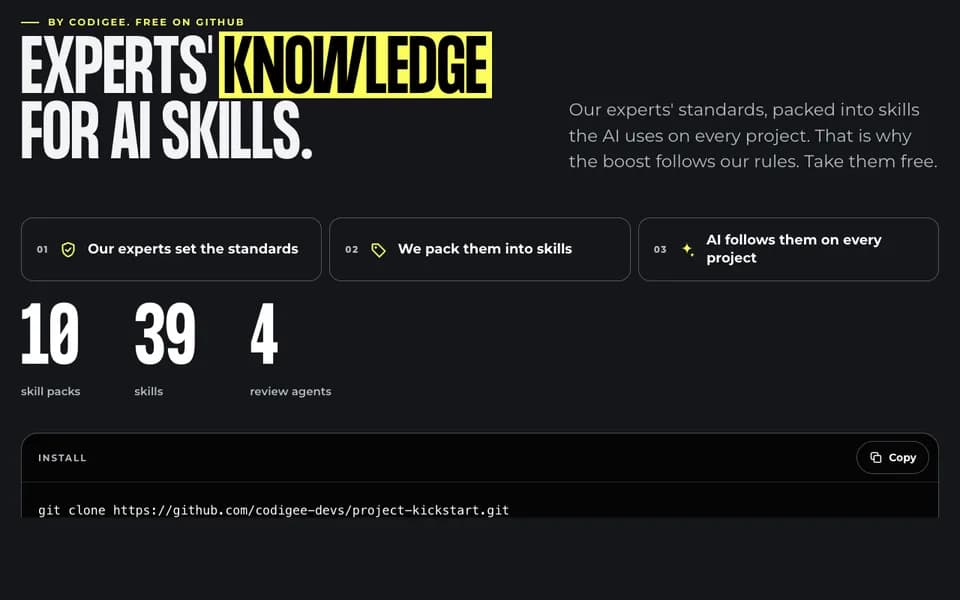
Building with AI on your own? Our free skills pack for Claude Code and other agents, and an app readiness self-check, are on Build with AI. Already have an app made with Lovable, Bolt or Replit and not sure what is inside? See how we take an AI prototype to the App Store and Google Play.
Your data and EU law: what GDPR and the AI Act require in 2026
In short: in the EU, three things matter: a contract for personal data, what the AI provider does with your data, and the AI Act transparency rules, which apply since August 2, 2026. Stricter rules for high-risk systems now start on December 2, 2027. This is a summary as of November 2026, not legal advice.
GDPR: a data processing agreement and no training on your data
If prompts contain personal data, the AI provider processes it for you, and GDPR Article 28 requires a contract for that, a data processing agreement. Send only the data a feature needs: an assistant that answers questions about orders does not need a customer's full profile.
The two largest API providers say they do not train on API data by default. OpenAI: data sent to the API has not been used for training since March 1, 2023, unless you opt in. Anthropic: retained data is never used for model training without your express permission. Both offer zero data retention (the provider does not store your prompts and answers once the request is done), which you arrange with their sales teams.
Where the data is processed is a separate question. OpenAI offers a Europe region (EEA and Switzerland) for API projects: you pick it when you create a new project, and it needs approval of its data retention controls. Anthropic's own API lets you choose US-only or global processing, with no EU-only option (Anthropic data residency). If EU-only processing is a must for you, check the provider and the region before the build, or run an open model (one you can download and run yourself) on servers you choose.
The EU AI Act: tell users it is AI, and label what AI makes
Article 50 of the AI Act applies from August 2, 2026. People must be told they are talking to an AI system, unless it is obvious, and AI-generated audio, images, video and text must be marked in a machine-readable way, with a label that software can detect. Systems already on the market before that date have until December 2, 2026 for the marking.
Regulation (EU) 2026/1744, the Digital Omnibus on AI, moved the obligations for high-risk systems listed in Annex III, such as AI used in hiring or credit scoring, to December 2, 2027. We took these dates from Cooley's summary of the published text. A chat assistant over your help pages is usually not on that list. Anything that decides about people's jobs, credit or access to services deserves a legal check.
Checklist: 10 questions that show if a team is ready for your AI feature
In short: ask these ten questions before you sign. A good team answers each one in a sentence or two, in writing, before any contract. You can send them today, by email, to every team you are talking to. A vague answer is an answer too.
- What will the AI feature cost per month at 1,000 and at 10,000 users, and what is the estimate based on?
- Which model and provider do you plan, and what happens to my data there: training, retention, region?
- Is there a spending cap per user and per day?
- Who reviews AI-generated code before it is merged?
- Which tests and security checks run on every build?
- What can the AI feature read, what can it change, and which actions need a person to confirm?
- How do you test the answers, and how do you know a prompt change did not make them worse?
- Where are the API keys stored, and can the app reach the model without going through our server?
- How will users know they are talking to an AI, as the AI Act requires?
- Who owns the code, the prompts, the accounts and the data on launch day?
If your app already exists and part of it was written with AI, the same questions apply to the code you have today. A mobile app audit before a new team takes over answers them in writing.
Send the ten questions to us too. We answer them in writing before you sign anything.
Who should build your AI app? A small senior team with AI already in live apps
In short: pick a team that has shipped AI features to real users, lets you talk directly to the engineers who build, and answers the checklist above in writing. A small senior team does all three by default, because the person on your call is the person who writes and reviews the code. Ask for a live product you can try yourself, not a demo video.
Six proofs to ask any team for, and ours
Seniors on every call: why a small team ships AI features safer and faster
An AI feature fails in the details: a permission one step too wide, a missing spending cap, a prompt change nobody tested. In a small senior team, the engineer who decides those details is the one you talk to. Nothing gets lost in a handoff between a salesperson, a project manager and a developer you never meet, and a decision takes one call, not a week of tickets.
That is how Museo went from concept to a live product in about 3 months, and Assuranci from the first commit to the App Store in 4. Our clients say the same on Clutch, where we are rated 5.0. Fishpro wrote about the MVP we built for them: "They immediately knew which mistakes to avoid, and their product suggestions were accurate and insightful."
Every build has a fixed price per milestone, and your accounts and repository (where the code lives) are yours from day one. All our prices are on the pricing page.
Common questions
01How much does it cost to add AI to an existing app?
It depends on the feature. Making your existing product usable from Claude and ChatGPT (MCP, the standard that connects AI assistants to your product) is $5k at Codigee. Other features, such as a chat assistant or document reading, get a fixed price per milestone in Prototype to Plan ($5k, credited 100% to the build).
02How much does an AI chatbot cost to run per month?
In our example, 1,000 users asking 20 questions a month costs about $340 a month on Claude Sonnet 5.5 and about $17 on Claude Haiku 5.5, at list prices as of November 2026. Your number depends on traffic, the size of each question and the model.
03Is it safe to send customer data to an AI API?
It can be, with a data processing agreement, only the data each feature needs, and a provider that does not train on your data. OpenAI and Anthropic say they do not train on API data by default, and both offer zero data retention by agreement.
04Can I trust code written with AI?
Only after a person has reviewed it. Veracode found security flaws in 45% of tests of AI-generated code. Do we use AI? Yes, as a tool. A senior engineer reads every line, and you own and can read all of it.
05Does my AI app fall under the EU AI Act?
Most apps meet only the transparency rules of Article 50, in force since August 2, 2026: tell people they are talking to an AI and mark AI-generated content. Obligations for high-risk systems in areas like hiring or credit start on December 2, 2027.
06Should I train my own AI model?
Usually not for a first version: a ready model through an API is faster to build. Your own model pays off for one narrow, fast task. Museo uses its own trained model to recognize an artwork in about 100 ms.